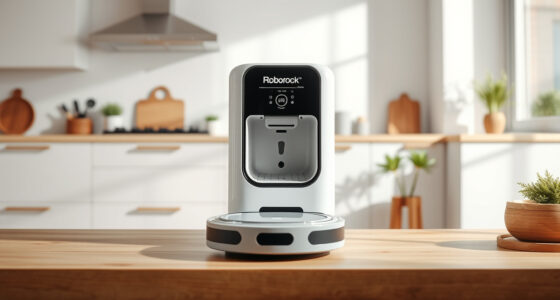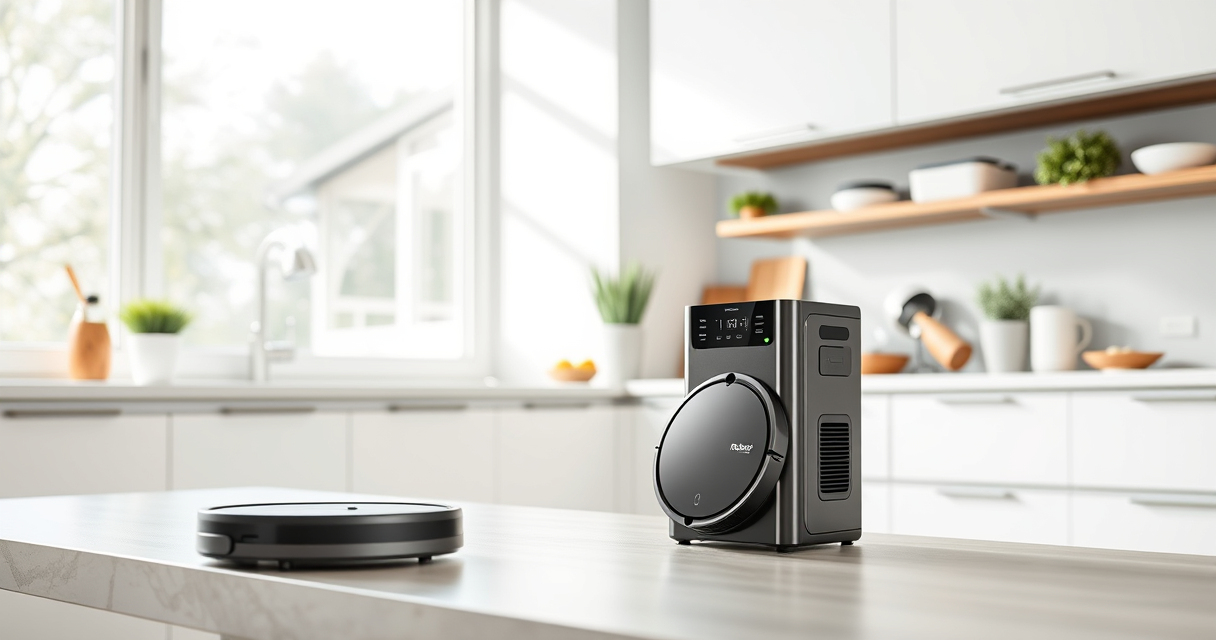

If your Roborock Q10 S5+ robot vacuum isn’t mopping as it should, there are several common issues that can cause this problem. From dirty mop pads to software settings, this guide provides practical, step-by-step solutions to help restore optimal mopping function.
Ensuring your robot is properly maintained and configured will help prolong its lifespan and keep your floors spotless. Read on to troubleshoot effectively and get your Roborock back to performing its best.
Key Takeaways
| Check the mop pad | Dirty or improperly installed mop pads can prevent mopping. |
| Water tank & sensors | Ensure the water tank is full and sensors are clean to enable mopping. |
| Settings & software | Verify that mopping mode is enabled in the app and firmware is up to date. |
| Clear obstacles | Remove any obstructions or tangled hair from brushes or wheels. |

roborock Q10 S5+ Robot Vacuum and Mop, 10,000Pa Suction, Upgraded from Q8 max+, 70 Days Self-Emptying, Obstacle Avoidance, Sonic Mopping, Dual Anti-Tangle Design, Auto Mop Lifting, Black
70 Days of Hands-Free Cleaning - Enjoy ultimate convenience with the self-emptying station. The large 2.7L dust bag...
As an affiliate, we earn on qualifying purchases.
1. Inspect and Clean the Mop Pad
- Remove the mop pad from the robot and check for dirt, debris, or residue.
- Wash the microfiber mop pad with water or replace it if excessively worn or dirty.
- Ensure the mop pad is properly aligned and securely attached before restarting the robot.
Amazon Product B0DK99HTQ7
As an affiliate, we earn on qualifying purchases.
2. Check the Water Tank and Sensors
- Ensure the water tank is filled with clean water and correctly seated in the robot.
- Clean the water tank’s sensors and intake area with a soft cloth to remove any blockages or buildup.
- Verify that the water flow is enabled in the app settings.
3. Verify Mopping Settings in the App
- Open the Roborock app and select your device.
- Navigate to cleaning modes and confirm that mopping is turned on.
- Check for firmware updates and install if available to ensure software is current.
4. Clear Obstacles and Check for Mechanical Issues
- Remove any objects or cords that could interfere with the robot’s movement.
- Inspect the brushes, wheels, and side brushes for tangled hair or debris, cleaning as needed.
- Ensure the obstacle avoidance sensors are clean and unobstructed.
5. Test the Robot and Confirm Fix
- Place the robot on a suitable floor and start a cleaning cycle with mopping enabled.
- Watch for water dispersal and ensure the mop pad moves smoothly across the floor.
- If issues persist, consider resetting the device or contacting support.
The Products in This Guide

roborock Q10 S5+ Robot Vacuum and Mop
- ✔ Model: Q10 S5+
- ✔ Dust Capacity: 2.7L
- ✔ Connectivity: App control via smartphone

4 Pack Washable Filter
- ✔ Material: HEPA
- ✔ Washable: Yes
- ✔ Model Compatibility: Multiple Q series
roborock Q10 S5+ Robot Vacuum and Mop
The Roborock Q10 S5+ offers powerful suction, obstacle avoidance, and advanced sonic mopping technology, making it a top choice for floor cleaning. Its self-emptying station minimizes maintenance, and features like auto mop lifting enhance usability.
Pros:
- Powerful 10,000 Pa suction
- Self-emptying for 70 days
- Obstacle avoidance technology
- Sonic mopping system
Cons:
- Higher price point
- Requires regular filter cleaning
- Mop pad replacement needed over time
Best for: Households needing a reliable, high-performance robotic vacuum with mopping capabilities
Not ideal for: If you prefer a budget-friendly option or minimal maintenance
Bottom line: The Roborock Q10 S5+ delivers exceptional cleaning with smart mopping features, ideal for busy households.
4 Pack Washable Filter
The 4 Pack Washable Filter ensures your Roborock maintains high filtration performance while reducing replacement costs. Easy to install and clean, it helps keep your robot working efficiently.
Pros:
- Reusable and washable
- Compatible with multiple models
- Maintains filtration efficiency
- Easy to install
Cons:
- Requires regular cleaning
- Not OEM but high quality
- Replace every 1-3 months for best results
Best for: Users seeking a cost-effective, eco-friendly filtration solution
Not ideal for: If you prefer OEM parts or have very specific filtration needs
Bottom line: A reliable, washable filter that keeps your Roborock’s air quality high without frequent replacements.
Frequently Asked Questions
Why is my Roborock Q10 S5+ not mopping even though it’s cleaning?
Common causes include dirty mop pads, water tank issues, or incorrect settings. Follow the troubleshooting steps to inspect and fix these issues.
How often should I replace or wash the mop pad?
It’s recommended to wash microfiber mop pads every 1-3 months, or sooner if heavily soiled, to maintain effective mopping.
What should I do if the water isn’t dispensing during mopping?
Check that the water tank is full, properly seated, and free of blockages. Cleaning sensors and nozzles can also resolve dispensing issues.
Can software updates fix mopping problems?
Yes, ensuring your robot’s firmware is up to date can resolve bugs and improve performance, including mopping functions.
Getting Your Roborock Back to Mopping Flawlessly
Regular maintenance and proper setup are key to ensuring your Roborock Q10 S5+ performs its best. By cleaning the mop pad, checking the water tank, and verifying app settings, you can troubleshoot most issues effectively. If problems persist, consider replacing filters or contacting support for further assistance. With these steps, your robot will return to delivering spotless floors and hassle-free cleaning.
Affiliate disclosure: As an Amazon Associate we earn from qualifying purchases. Prices and availability are accurate as of the time of publishing.