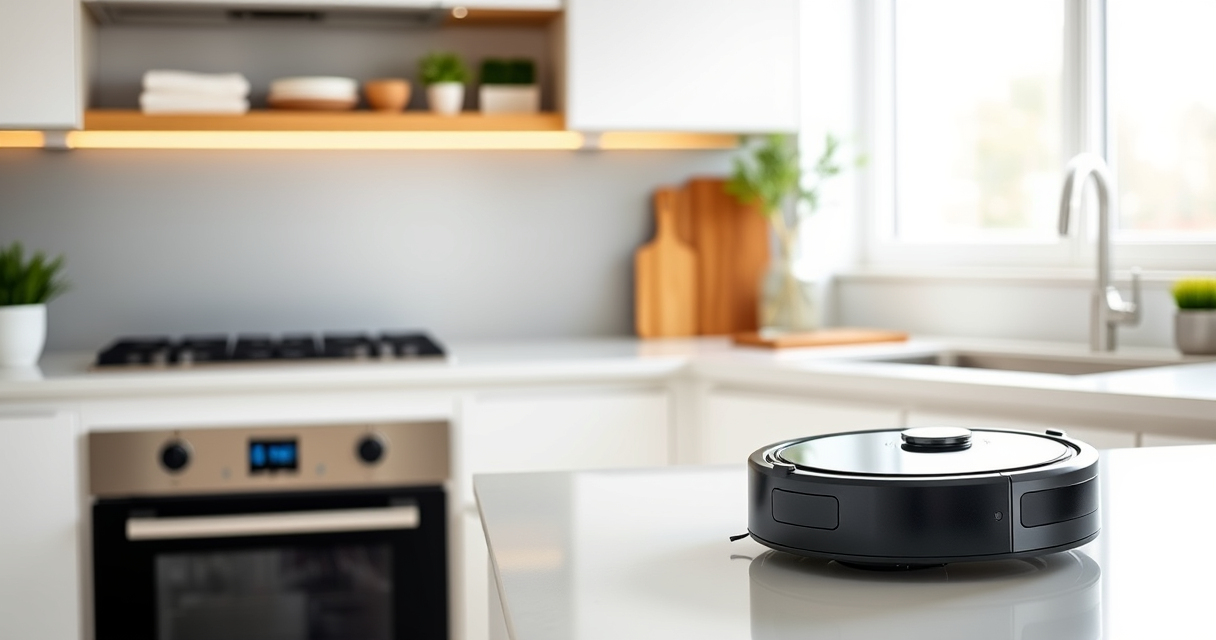
Setting up your new Roborock Q7 M5+ robot vacuum and mop properly is essential for achieving the best cleaning results and prolonging your device’s lifespan. This guide walks you through each step, from unboxing to initial operation, with tips to troubleshoot common issues. By following these instructions, you’ll ensure your robot is configured correctly, safe to use, and ready to keep your home spotless.
Whether you’re a first-time robot vacuum user or upgrading from an older model, this comprehensive setup guide covers everything you need to know for a smooth start.
Key Takeaways
| Comprehensive Setup | Step-by-step instructions for unboxing, charging, connecting, and configuring. |
| Optimal Performance | Tips on cleaning modes, mop attachment, and maintenance for best results. |
| Safety & Troubleshooting | Important safety tips and common troubleshooting advice. |
| Long-Term Care | Regular maintenance tips including filter replacements and software updates. |

roborock Q7 M5+ Robot Vacuum and Mop, Upgraded from Q5 Max+, Up to 7-9 Weeks Self-Empty, 10000Pa Suction, Dual Anti-Tangle System for Pet Hair & Carpet, PreciSense LiDAR Navigation, App Control, Black
𝗨𝗽 𝘁𝗼 𝟳-𝟵 𝗪𝗲𝗲𝗸𝘀 𝗛𝗮𝗻𝗱𝘀 𝗙𝗿𝗲𝗲 𝗖𝗹𝗲𝗮𝗻𝗶𝗻𝗴: With a 2.7L sealed dust bag, the RockDock Plus efficiently collects...
As an affiliate, we earn on qualifying purchases.
Unboxing and Initial Inspection
- Carefully remove the Roborock Q7 M5+ from its packaging, ensuring all accessories are included: charging dock, power adapter, mop pads, filters, and user manual.
- Inspect the device for any visible damage or loose parts. Check that the dust bag is properly installed and the mop attachment is secure.
It’s a good idea to familiarize yourself with each component before proceeding. This ensures you’re ready for proper setup and maintenance from the start.
Compatible Models: The True HEPA washable filter replacement parts are compatible with Roborock Q7, Q7+(Plus), Q7 Max, Q7... As an affiliate, we earn on qualifying purchases.
4 Pack Washable Filter For Roborock Q5 Pro/Pro+(Plus)/ Max+(Plus)/ DuoRoller+, Q7/ Q7+, Q7 Max/Max+, Q8 Max/Max+ Robot Vacuum Cleaner Accessories Replacement Part True HEPA Filter For Robotic
Charging Your Robot
- Place the charging dock against a wall in an open area, ensuring at least 1.5 meters of free space on each side and 2 meters in front.
- Connect the power adapter to the dock and plug it into an outlet.
- Power on the dock and place your Roborock Q7 M5+ onto the charging station, aligning the charging contacts.
- Allow the robot to charge fully, which may take a few hours. A full charge ensures optimal initial operation and mapping.
During charging, the robot’s LED indicators will show progress. Once fully charged, you can proceed to connect it to the app for configuration.
Connecting via App and Basic Setup
- Download and install the Roborock app on your smartphone from the App Store or Google Play.
- Create an account or log in if you already have one.
- Power on your robot and ensure Wi-Fi is active. Open the app and follow the prompts to add a new device.
- Select the Roborock Q7 M5+ from the list of compatible devices. The app will guide you through connecting the robot to your Wi-Fi network.
- Once connected, you can set your cleaning preferences, schedule, and map your space for efficient cleaning.
Proper app setup ensures you can control your robot remotely, monitor its status, and customize cleaning routines for your home.
Configuring Cleaning Modes and Attachments
After connection, familiarize yourself with the available cleaning modes: standard vacuuming, mopping, and mixed modes. The Roborock Q7 M5+ features PreciseSense LiDAR Navigation, allowing it to map your home accurately.
- Attach the mop pad securely if you plan to use the mopping function. The 8-pack mop pads are compatible and easy to replace.
- Adjust the suction power if needed. The Q7 M5+ offers up to 10,000Pa suction, ideal for pet hair and deep cleaning.
- Set no-go zones or restricted areas through the app to prevent the robot from entering sensitive spaces.
Using the app, you can customize cleaning routines, select specific rooms, and optimize the robot’s path for thorough coverage.
Maintenance and Troubleshooting Tips
Regular maintenance keeps your Roborock operating efficiently. Empty the sealed dust bag in the RockDock Plus every 7-9 weeks, or as needed, to ensure strong suction and proper airflow.
- Replace or wash mop pads every 1-3 months for optimal mopping performance. The VIEWALL 6 Pack Reusable Mop Pads are a good option for frequent use.
- Clean the filters regularly — the 4 Pack Washable Filters are compatible and easy to rinse and reuse.
- Update the robot’s firmware via the app to benefit from the latest features and bug fixes.
If your robot encounters issues such as navigation errors, poor suction, or connectivity problems, consult the app’s troubleshooting guides or reset the device by turning it off and on again.
Safety Precautions and Final Checks
Always keep the charging dock and robot on flat, stable surfaces. Remove obstacles and loose cords from the robot’s cleaning path to avoid entanglement or damage.
Do not operate the robot in wet conditions or on uneven surfaces that could damage the sensors or brush system. Ensure the mop pads are securely attached before use, especially when mopping.
Finally, regularly check for software updates and replace filters and mop pads as recommended for continuous, safe operation.
The Products in This Guide

roborock Q7 M5+ Robot Vacuum and Mop
- ✔ Model: Q7 M5+
- ✔ Connectivity: App Control
- ✔ Dimensions: Standard size

4 Pack Washable Filter
- ✔ Type: HEPA washable
- ✔ Replacement Pack: 4 Pack
- ✔ Model Compatibility: Multiple Roborock models
roborock Q7 M5+ Robot Vacuum and Mop
The Roborock Q7 M5+ offers powerful suction up to 10,000Pa and a dual anti-tangle system, making it ideal for pet owners. Its PreciseSense LiDAR navigation ensures thorough coverage, while the self-emptying dock reduces maintenance. This model is perfect for those seeking high performance and convenience.
Pros:
- Up to 7-9 weeks self-emptying capacity
- Powerful 10,000Pa suction
- Advanced LiDAR navigation
- Dual anti-tangle system
Cons:
- Requires a dedicated charging station setup
- Mopping function needs mop pad replacements
- Higher price point
Best for: Pet owners and homes with deep carpet cleaning needs
Not ideal for: Users seeking lightweight or budget models
Bottom line: The Roborock Q7 M5+ is a high-performance robot vacuum and mop, ideal for pet owners and busy households seeking convenience and power.
4 Pack Washable Filter
Replacing filters regularly is key to maintaining suction and air quality. The 4 Pack Washable Filter set is compatible with the Roborock Q7 M5+ and others, offering a cost-effective replacement option that is easy to install.
Pros:
- Washable and reusable
- Compatible with multiple models
- Easy to install
- Ensures optimal filtration
Cons:
- Needs cleaning every few months
- Not OEM but highly compatible
- Replacement frequency depends on usage
Best for: Regular filter maintenance
Not ideal for: Those looking for OEM filters only
Bottom line: This washable filter set keeps your Roborock performing at its best without the recurring cost of OEM filters.
Frequently Asked Questions
How often should I empty the self-empty dust bag?
The self-empty dust bag should be emptied every 7 to 9 weeks, depending on your home’s dirt level and pet hair load.
Can I use the mop function on hardwood floors?
Yes, the Roborock Q7 M5+ is suitable for sealed hardwood floors. Make sure to use dry or lightly damp mop pads for best results.
How do I update the robot’s firmware?
Connect your robot to the app, then navigate to device settings to check for and install any available firmware updates.
Is the robot suitable for pet hair?
Absolutely. The Q7 M5+ features a dual anti-tangle system and 10,000Pa suction, making it excellent for pet hair and debris.
Can I schedule cleaning sessions remotely?
Yes, through the Roborock app, you can set schedules and start cleaning sessions from anywhere with internet access.
Getting Your Roborock Q7 M5+ Ready for Action
With these setup steps, your Roborock Q7 M5+ will be ready to tackle pet hair, deep carpets, and hard floors with ease. Proper initial setup, including charging, app configuration, and maintenance planning, ensures you get the most out of this powerful cleaning device. Remember to keep the filters and mop pads maintained regularly for consistent performance, and enjoy a cleaner, more comfortable home with your new robot vacuum and mop.
Affiliate disclosure: As an Amazon Associate we earn from qualifying purchases. Prices and availability are accurate as of the time of publishing.