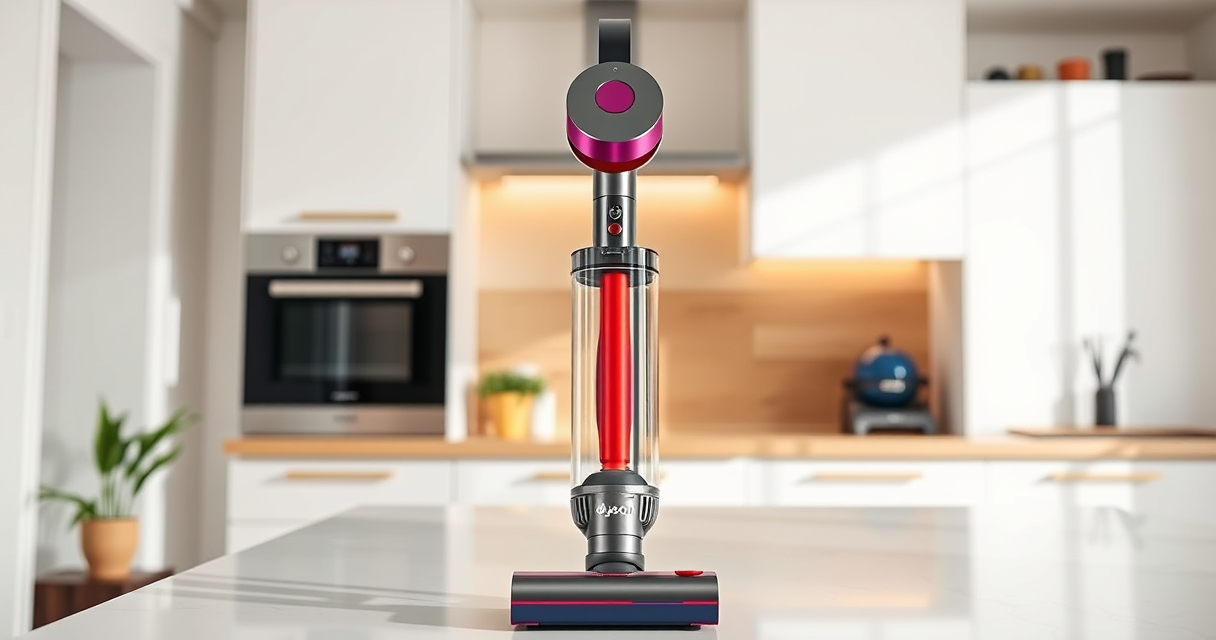
If your Dyson V15 Detect™ Origin cordless vacuum keeps pulsing on and off, it may be caused by clogs, dirty filters, or battery issues. This guide provides simple, effective steps to diagnose and resolve the problem safely, restoring your vacuum’s performance.

Get home appliances delivered free with Prime
- Fast, free delivery on millions of items
- Prime Video, Amazon Music and more included
- Member-only deals all year
Follow these instructions carefully, and remember to turn off and unplug your vacuum before performing any maintenance or troubleshooting.
Key Takeaways
| Clog-related issue | Blocked airflow can cause pulsing; check for obstructions. |
| Dirty filters | Dirty filters reduce suction and trigger pulsing; clean or replace them. |
| Battery or motor problem | Battery health or motor malfunction can cause inconsistent power. |
| Proper maintenance | Regularly cleaning filters and checking airflow prevents issues. |
Step 1: Turn Off and Unplug Your Vacuum
Always ensure your Dyson vacuum is powered off and unplugged from the charging station before starting troubleshooting to prevent injury or damage.
Step 2: Check for Clogs and Blockages
- Remove the wand and cleaner head from the vacuum.
- Inspect the wand, hose, and cleaner head for debris or blockages.
- Clear any obstructions gently using a long, flexible brush or cloth.
Blockages restrict airflow, which can cause the pulsing issue.
Step 3: Clean or Replace Filters
Dirty filters can impair suction and cause pulsing. Remove the pre-filter and main filter according to your model’s instructions.
- Wash the filters with cold water, avoiding soaps, and allow them to air dry completely (at least 24 hours).
- If filters are damaged or excessively dirty, replace them with new ones (see recommended filters below).
Step 4: Verify Battery and Power Settings
Ensure the battery is properly connected and charged. If the vacuum still pulses, consider resetting the power mode or performing a battery check if accessible. Consult your user manual for specific reset instructions.
Step 5: Reset and Test
Reassemble all parts, turn on the vacuum, and test on a clean surface. If pulsing persists, proceed with further inspection or contact Dyson support.
The Products in This Guide

Dyson V15 Detect™ Origin Cordless Vacuum
- ✔ Weight: 6.8 lbs
- ✔ Run Time: 60 minutes
- ✔ Filtration: Advanced system

LANMU Crevice Tool Vacuum Attachments Compatible
- ✔ Compatibility: Multiple Dyson models
- ✔ Design: Slim and flexible
- ✔ Purpose: Hard-to-reach cleaning
Dyson V15 Detect™ Origin Cordless Vacuum
The Dyson V15 Detect™ Origin offers powerful suction, intelligent debris detection, and a variety of cleaning modes. Proper maintenance ensures optimal performance and prevents pulsing issues.
Pros:
- Powerful suction
- Intelligent debris detection
- Long battery life
- Multiple cleaning modes
Cons:
- Higher price point
- Requires regular filter cleaning
- Can be heavy for some users
Best for: Deep cleaning homes with pet hair or fine dust
Not ideal for: Light-duty or quick cleanups
Bottom line: Reliable, high-powered cordless vacuum with smart features for thorough cleaning.
LANMU Crevice Tool Vacuum Attachments Compatible
The LANMU Crevice Tool Vacuum Attachments fit well with the Dyson V15 and help reach tight spots like corners, edges, and between furniture. It’s a practical addition for comprehensive cleaning.
Pros:
- Narrow nozzle easily reaches tight spots
- Compatible with multiple Dyson models
- Flexible and durable design
- Effective for dust removal
Cons:
- Attachment may require careful handling
- Not compatible with V6 or canister models
Best for: Cleaning corners, car interiors, and hard-to-reach areas
Not ideal for: Main cleaning head or heavy debris removal
Bottom line: A versatile tool to enhance your cleaning reach and effectiveness.
Frequently Asked Questions
Why does my Dyson vacuum pulse on and off?
This often indicates airflow restrictions, clogged filters, or battery issues. Follow troubleshooting steps to identify and fix the cause.
How often should I clean or replace the filters?
Filters should be washed every 1-3 months and replaced if damaged or excessively dirty, typically every 6-12 months.
Can I fix the pulsing issue myself?
Yes, most causes like clogs and dirty filters are manageable with basic maintenance. If the problem persists, contact Dyson support.
Is it safe to wash the filters?
Yes, wash filters with cold water without soap and allow them to dry completely before reinstalling to avoid damage.
Keep Your Dyson V15 Performing at Its Best
Regular maintenance, including filter cleaning and clearing blockages, is key to preventing pulsing issues. Follow this guide for safe, effective troubleshooting, and enjoy optimal cleaning performance.
Affiliate disclosure: As an Amazon Associate we earn from qualifying purchases. Prices and availability are accurate as of the time of publishing.
Halloween Picks

JOYIN 5-Foot Halloween Animatronic Drinking Skeleton

Kalolary 12ft Halloween Witch Haunted House Inflatable Archway

Panefright Halloween Window Projector – Scary Projector for Spooky Decor
As an affiliate, we earn on qualifying purchases.