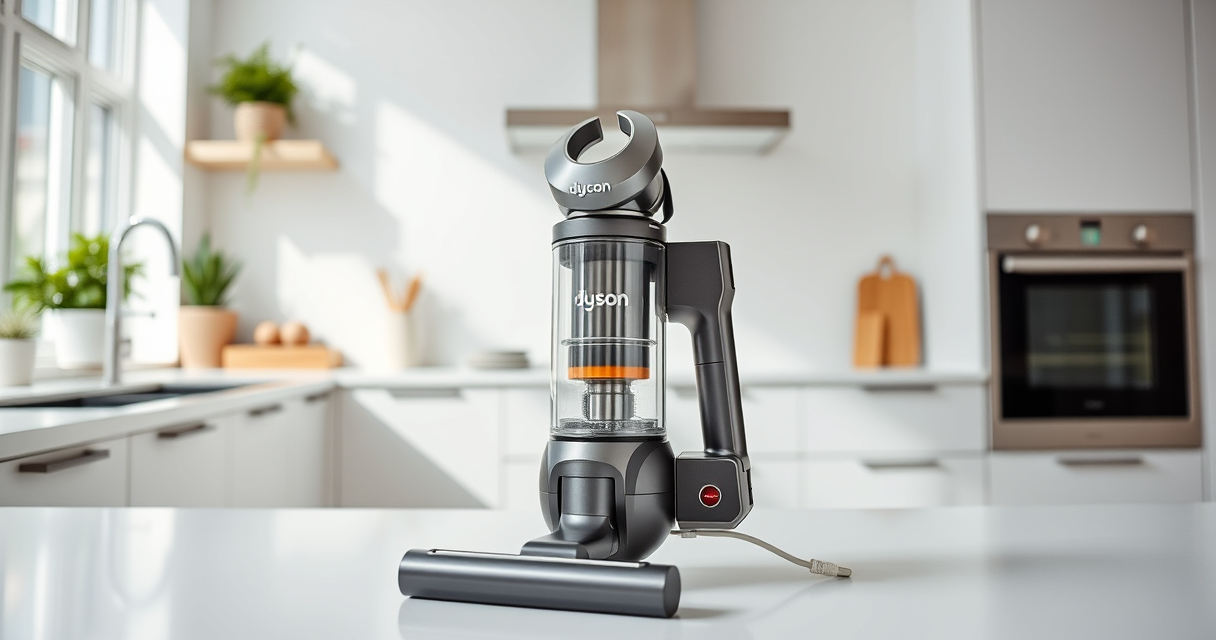
If your Dyson V15 Detect™ Origin Cordless Vacuum is pulsing on and off during use, it can be frustrating and reduce cleaning efficiency. This issue often indicates a problem with the filter, battery, or motor system. Fortunately, many common causes are simple to diagnose and fix with some basic steps. In this guide, you’ll learn how to troubleshoot your Dyson vacuum safely and effectively to restore optimal performance.
Follow these step-by-step instructions carefully, and remember to work in a safe environment, unplug the device when not in use, and handle components gently to avoid damage.
Key Takeaways
| Filter Check | Dirty or clogged filters can cause pulsing. |
| Battery & Power | Battery issues may lead to inconsistent power. |
| Obstructions | Blockages in the wand or cleaner head can trigger pulsing. |
| Motor & Connections | Loose connections or motor faults can cause intermittent operation. |

Dyson V15 Detect™ Origin Cordless Vacuum
Powerful and intelligent for whole-home deep cleaning. Reveals invisible dust.
As an affiliate, we earn on qualifying purchases.
Step 1: Turn Off and Unplug the Vacuum
- Ensure the vacuum is turned off using the power trigger.
- Unplug the charger from the wall to avoid electrical hazards.
- Allow the vacuum to cool down if recently used, especially around the motor area.

LANMU Crevice Tool Vacuum Attachments Compatible with Dyson V15 V12 V11 V10 V9 V8 V7 Gen5 Outsize Vacuum Cleaner, Narrow Nozzel Replacement Parts for Hard-to-Reach Space
Wide Compatibility: This crevice tool attachment is compatible with V15 V12 V11 V10 V9 V8 V7 Gen5 G5...
As an affiliate, we earn on qualifying purchases.
Step 2: Check and Clean the Filters
- Remove the pre-filters from the vacuum (refer to the filter location in your user manual).
- Rinse the filters thoroughly under cold water, avoiding soap or harsh cleaners.
- Let the filters air dry completely for at least 24 hours before reinserting.
- If filters are damaged or excessively worn, replace them with compatible filters such as the 3Pack Pre Filters Replacement (asin=B091D4YRYG).
Step 3: Inspect for Blockages
- Detach the wand and cleaner head to check for debris or obstructions.
- Clear any debris from the brush bar, wand, or hose.
- Use a crevice tool to reach tight spots and remove hidden dust or hair.
Step 4: Check Battery and Connections
- Ensure the battery is properly seated and contacts are clean.
- Inspect for any visible damage or corrosion on the battery terminals.
- If your Dyson model allows, perform a reset by removing and reinserting the battery or unplugging and reconnecting the device.
Step 5: Test the Vacuum
After completing cleaning and inspections, turn the vacuum back on and test it on a clean floor. Observe if the pulsing persists. If it does, consider contacting Dyson customer support or a professional repair service for further diagnosis.
The Products in This Guide

Dyson V15 Detect™ Origin Cordless Vacuum
- ✔ Run Time: 60 minutes
- ✔ Power: Enhanced with intelligent detection
- ✔ Filter Type: Pre-filter and filter replacements

LANMU Crevice Tool Vacuum Attachments Compatible
- ✔ Compatibility: Multiple Dyson models
- ✔ Design: Narrow and flexible
- ✔ Use: Hard-to-reach areas
Dyson V15 Detect™ Origin Cordless Vacuum
The Dyson V15 Detect™ Origin Cordless Vacuum offers powerful, intelligent cleaning with features like an LCD screen and multiple cleaner heads. When pulsing occurs, it often relates to filter or power issues, which can be addressed with basic troubleshooting.
Pros:
- Powerful suction with 100% more power
- Intelligent debris detection
- Long battery life of 60 minutes
- Multiple cleaning heads for versatile use
Cons:
- Pulsing may indicate underlying issues
- Filters require regular maintenance
- Complex for some users without prior experience
Best for: Whole-home deep cleaning, pet hair, and hard-to-reach areas
Not ideal for: If you prefer a simple plug-in vacuum or have frequent motor issues
Bottom line: A versatile, high-tech vacuum that benefits from regular filter and connection checks to prevent pulsing.
LANMU Crevice Tool Vacuum Attachments Compatible
The LANMU Crevice Tool Vacuum Attachments are compatible with Dyson models and excellent for reaching tight corners, car interiors, and baseboards, making cleaning easier and more thorough.
Pros:
- Narrow, flexible nozzle
- Compatible with many Dyson models
- Great for detailed cleaning
- Easy to attach and use
Cons:
- Not suitable for larger debris
- Slim design may require careful handling
- Additional attachments needed for other tasks
Best for: Cleaning corners, keyboards, car interiors
Not ideal for: For large debris or heavy-duty cleaning
Bottom line: A versatile tool that enhances your Dyson’s reach for detailed cleaning tasks.
Frequently Asked Questions
Why does my Dyson vacuum pulse on and off?
Pulsing often indicates a blockage, dirty filter, or power supply issue. Checking filters, cleaning obstructions, and inspecting connections can resolve this.
How often should I replace the filters?
It’s recommended to replace or clean filters every 2-3 months, depending on usage, to maintain optimal suction and prevent pulsing.
Can I fix the pulsing issue myself?
Yes, many causes like filters and obstructions are easy to address with basic troubleshooting. More complex issues like motor faults may require professional repair.
Is it safe to rinse the filters?
Yes, most Dyson filters are washable. Rinse with cold water, dry thoroughly for 24 hours, and ensure no moisture remains before reinstalling.
Keep Your Dyson Running Smoothly
Regular maintenance, including cleaning filters and checking for obstructions, is key to preventing pulsing issues. By following these step-by-step troubleshooting tips, you can restore your Dyson V15 Detect™ Origin Cordless Vacuum to peak performance and enjoy hassle-free cleaning.
Affiliate disclosure: As an Amazon Associate we earn from qualifying purchases. Prices and availability are accurate as of the time of publishing.