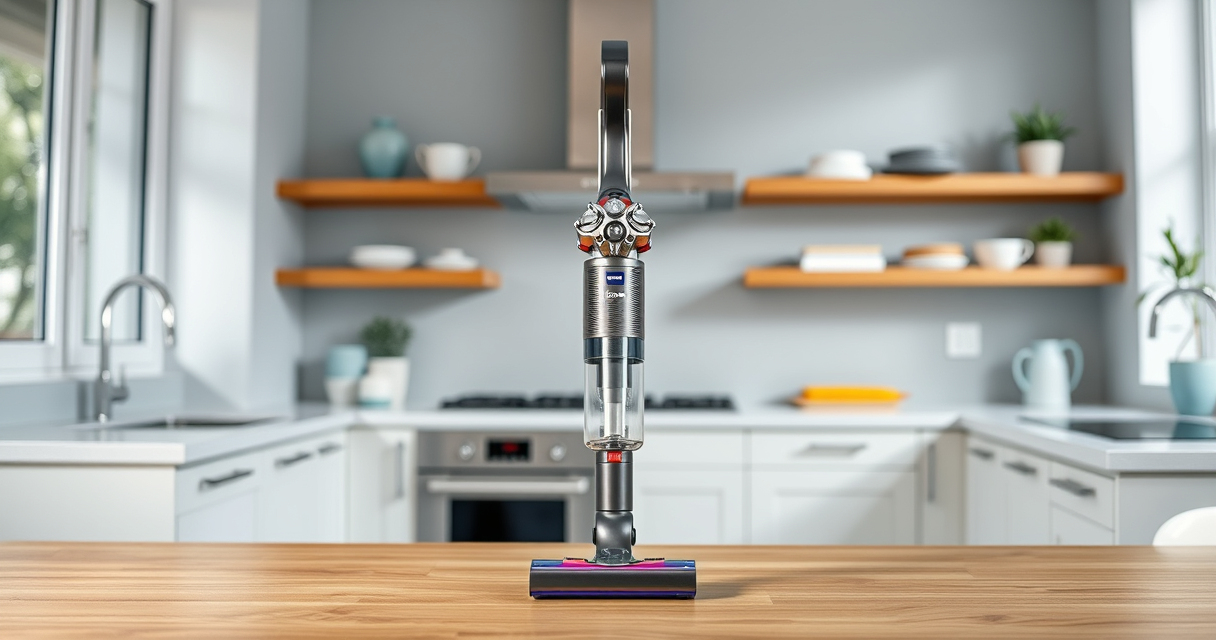
If your Dyson V15 Detect™ Origin Cordless Vacuum isn’t holding a charge or the battery seems to die quickly, you’re not alone. Battery issues can stem from several causes, including aging, dirt buildup, or improper maintenance. This guide provides clear, step-by-step instructions to diagnose and fix common problems, helping you restore optimal performance safely and effectively.
Before starting any troubleshooting, ensure you have the necessary tools and replacement parts ready. Proper maintenance and timely replacements can extend your vacuum’s battery life and keep it running like new.
Key Takeaways
| Battery aging | Over time, batteries lose capacity and hold less charge. |
| Clogged filters | Dirty filters reduce airflow, causing the battery to work harder. |
| Frequent full discharges | Regularly draining the battery can shorten its lifespan. |
| Inadequate maintenance | Replacing filters and cleaning components improve battery efficiency. |

Dyson V15 Detect™ Origin Cordless Vacuum
Powerful and intelligent for whole-home deep cleaning. Reveals invisible dust.
As an affiliate, we earn on qualifying purchases.
Identify the Cause of Battery Deterioration
- Check the LCD screen on your Dyson V15 Detect™ for any maintenance alerts or battery warnings.
- Note if the run time has decreased significantly during use.
- Inspect filters and cleaner heads for dirt buildup or blockages.

LANMU Crevice Tool Vacuum Attachments Compatible with Dyson V15 V12 V11 V10 V9 V8 V7 Gen5 Outsize Vacuum Cleaner, Narrow Nozzel Replacement Parts for Hard-to-Reach Space
Wide Compatibility: This crevice tool attachment is compatible with V15 V12 V11 V10 V9 V8 V7 Gen5 G5...
As an affiliate, we earn on qualifying purchases.
Clean and Maintain Your Vacuum
- Remove the pre-filters and clean them thoroughly with water. Allow them to dry completely before reinstalling.
- Clear debris from the cleaner heads and ensure no blockages are present.
- Check for any loose connections or damage to the battery compartment.
Replace Worn or Faulty Filters
- Replace the 3Pack Pre Filters using the recommended replacement (asin=B091D4YRYG) if they are clogged or worn out.
- Ensure filters are dry before reinserting to prevent mold or damage.
- Repeat filter replacements every 2-3 months for optimal performance.
Optimize Battery Performance
- Use the vacuum on lower power modes when possible to extend battery life.
- Avoid letting the battery fully discharge frequently; recharge when it reaches around 20-30%.
- If the battery continues to drain quickly despite maintenance, consider replacing it.
Replace the Battery (if necessary)
- Order a compatible replacement battery from Dyson or authorized suppliers.
- Follow safety precautions: turn off the vacuum and disconnect from charging.
- Use a screwdriver to carefully open the battery compartment, remove the old battery, and install the new one securely.
The Products in This Guide

Dyson V15 Detect™ Origin Cordless Vacuum
- ✔ Run Time: up to 60 mins
- ✔ Filters: Replace every 2-3 months
- ✔ Weight: 7.4 lbs

LANMU Crevice Tool Vacuum Attachments Compatible
- ✔ Compatibility: Multiple Dyson models
- ✔ Material: Plastic
- ✔ Design: Narrow and flexible
Dyson V15 Detect™ Origin Cordless Vacuum
The Dyson V15 Detect™ Origin offers up to 60 minutes of run time and features advanced sensors, LCD display, and versatile cleaner heads. Proper maintenance and timely battery care can ensure it keeps performing at its best.
Pros:
- Long 60-minute runtime
- Smart debris detection
- Powerful suction
- Versatile cleaning heads
Cons:
- Battery aging over time
- Filters require regular cleaning
- Battery replacement can be costly
Best for: Homeowners seeking deep, intelligent cleaning with long battery life.
Not ideal for: Users with very frequent battery issues may need professional repair or replacement.
Bottom line: Regular maintenance and timely replacements are key to maximizing your Dyson V15 Detect™’s battery life.
LANMU Crevice Tool Vacuum Attachments Compatible
The LANMU Crevice Tool Vacuum Attachments fit Dyson models and help you clean hard-to-reach corners in home and car interiors. Its slim, flexible design makes cleaning easier and more thorough.
Pros:
- Compatible with many Dyson models
- Narrow nozzle for tight spaces
- Easy to attach and use
- Versatile for various surfaces
Cons:
- Only fits specific Dyson models
- No additional tools included
- Requires careful handling to avoid damage
Best for: Reaching into tight corners, cracks, and narrow spaces during cleaning.
Not ideal for: Not suitable for Dyson V6 or canister models.
Bottom line: A must-have attachment for thorough, detailed cleaning in tight spots.
Frequently Asked Questions
Why does my Dyson V15 Detect’s battery drain so quickly?
Battery degradation over time, clogged filters, or excessive use of high power modes can cause quick battery drain. Regular maintenance can improve longevity.
How often should I replace the filters?
Filters should be replaced or cleaned every 2-3 months, depending on usage, to maintain optimal suction and battery life.
Can I replace the Dyson battery myself?
Yes, if you follow proper safety procedures. Turn off the vacuum, disconnect from power, and carefully remove the old battery before installing the new one.
What should I do if my battery still drains fast after cleaning and replacing filters?
Consider replacing the battery if it’s old or damaged. If issues persist, contact Dyson support or a professional repair service.
Maximize Your Dyson V15 Detect’s Battery Life
Maintaining your Dyson cordless vacuum is essential for optimal performance and longer battery life. Regular cleaning, filter replacements, and mindful usage can prevent premature battery failure. When needed, replacing the battery ensures your vacuum continues to deliver powerful, intelligent cleaning for years to come.
Affiliate disclosure: As an Amazon Associate we earn from qualifying purchases. Prices and availability are accurate as of the time of publishing.