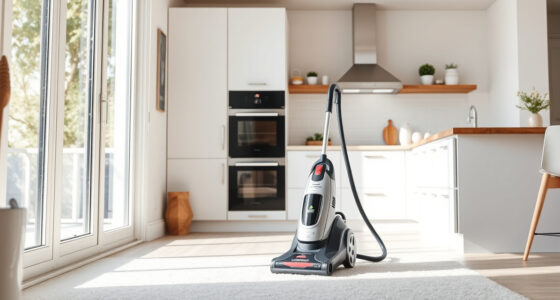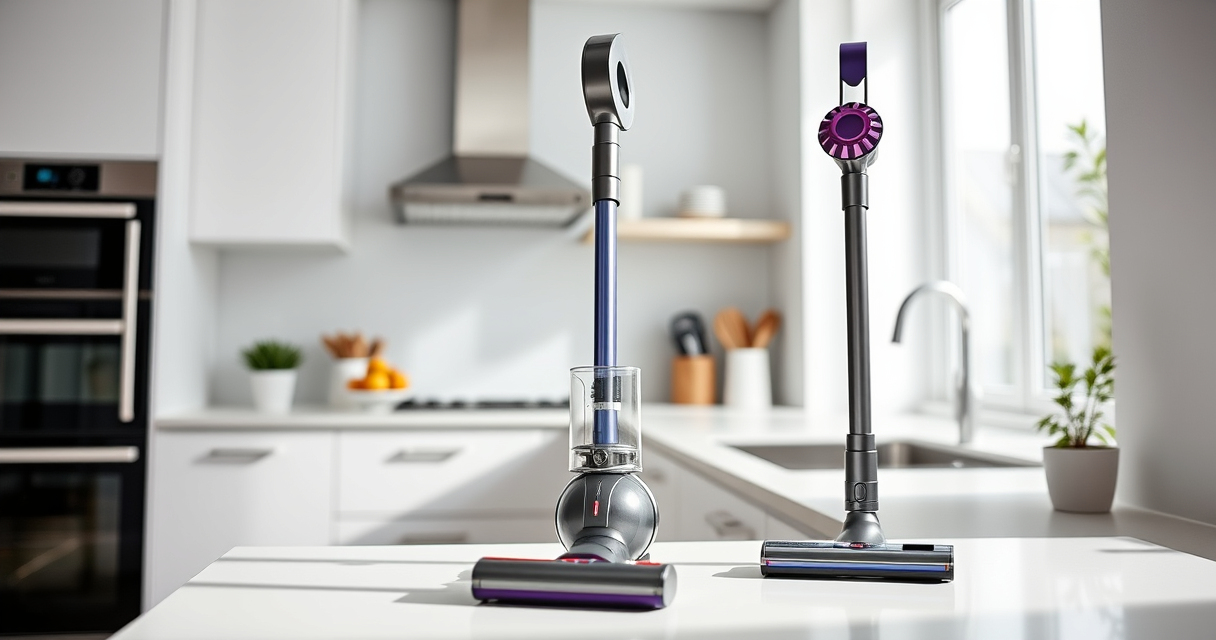
If your Dyson cordless vacuum is experiencing a loss of suction, it can hinder your cleaning efforts. Understanding common causes and following proper troubleshooting steps can restore its power and efficiency.
This guide provides practical, safe, and accurate solutions tailored for Dyson models like the V15 Detect™ Origin. Let’s get your vacuum back to peak performance.
Key Takeaways
| Clogged Filters or Bin | Regularly clean and replace filters to maintain suction. |
| Blocked or Dirty Nozzle | Check and clear any obstructions in the cleaner head or wand. |
| Full or Damaged Filter | Replace filters if they are clogged or damaged for optimal airflow. |
| Battery or Motor Issues | Ensure the battery is charged and motor is functioning properly. |

Dyson V15 Detect™ Origin Cordless Vacuum
Powerful and intelligent for whole-home deep cleaning. Reveals invisible dust.
As an affiliate, we earn on qualifying purchases.
Check for Blockages
- Turn off and unplug your Dyson vacuum for safety.
- Inspect the cleaner head, wand, and hose for visible debris or obstructions.
- Remove any debris carefully, ensuring no parts are damaged.
- Reassemble and test vacuum suction.

LANMU Crevice Tool Vacuum Attachments Compatible with Dyson V15 V12 V11 V10 V9 V8 V7 Gen5 Outsize Vacuum Cleaner, Narrow Nozzel Replacement Parts for Hard-to-Reach Space
Wide Compatibility: This crevice tool attachment is compatible with V15 V12 V11 V10 V9 V8 V7 Gen5 G5...
As an affiliate, we earn on qualifying purchases.
Clean or Replace Filters
Filters can clog over time, reducing suction. Remove the pre-filter and main filter, rinse with water, and let air dry completely before reinstalling. If filters are damaged or excessively dirty, replace them with compatible replacements such as the 3Pack Pre Filters Replacement or V10 filters.
Empty the Dust Bin
A full dust bin can restrict airflow and decrease suction. Detach the bin, empty it thoroughly into your trash, and ensure the seal is tight when reattached.
Check the Battery and Power Settings
- Ensure the battery is fully charged and properly connected.
- Verify that the vacuum is set to the correct power mode for your cleaning needs.
- If the power trigger feels loose or unresponsive, contact Dyson support or check for internal issues.
Perform a Reset
Some Dyson models benefit from a soft reset. Turn off the vacuum, remove the battery if possible, wait 30 seconds, then reassemble and turn it back on. Test for suction recovery.
The Products in This Guide

Dyson V15 Detect™ Origin Cordless Vacuum
- ✔ Battery Life: Up to 60 mins
- ✔ Weight: 6.8 lbs
- ✔ Filter Type: Pre and post-filters

LANMU Crevice Tool Vacuum Attachments Compatible
- ✔ Material: Plastic
- ✔ Compatibility: Multiple Dyson models
- ✔ Length: Approx. 12 inches
Dyson V15 Detect™ Origin Cordless Vacuum
The Dyson V15 Detect™ Origin offers 100% more power and intelligent features like debris detection and real-time particle count. Its design simplifies maintenance and troubleshooting to keep suction strong.
Pros:
- Powerful suction
- Intelligent dust detection
- Long runtime
- Two versatile cleaner heads
Cons:
- Higher price point
- Requires filter maintenance
- Battery replacement may be needed over time
Best for: Whole-home cleaning, detailed dirt detection
Not ideal for: Light, quick cleans on minimal debris
Bottom line: The Dyson V15 Detect™ Origin is a high-performance vacuum with smart features, but regular maintenance is essential for optimal suction.
LANMU Crevice Tool Vacuum Attachments Compatible
The LANMU Crevice Tool Vacuum Attachments is compatible with Dyson models and helps reach tight corners, sofa cushions, and car interiors, improving overall cleaning efficiency.
Pros:
- Narrow, flexible nozzle
- Compatible with multiple Dyson models
- Easy to install and use
- Ideal for detailed cleaning
Cons:
- Additional attachment to manage
- Not compatible with V6 or canister models
Best for: Cleaning corners, upholstery, and car interiors
Not ideal for: Heavy-duty deep cleaning
Bottom line: A versatile attachment that makes cleaning hard-to-reach areas easier and more effective.
Frequently Asked Questions
Why does my Dyson vacuum have no suction after cleaning?
Common reasons include clogged filters, blockages in the wand or cleaner head, full dust bins, or motor issues. Follow the troubleshooting steps to identify and fix the problem.
How often should I replace the filters?
It’s recommended to replace or clean filters every 2-3 months, depending on usage. Replacing filters ensures optimal airflow and suction.
Can I fix suction loss myself?
Yes, most issues like clogs or dirty filters can be addressed with simple cleaning and maintenance. For motor or electrical problems, contact Dyson support.
What safety precautions should I take during troubleshooting?
Always unplug the vacuum before inspecting or cleaning. Avoid forcing parts and handle filters gently to prevent damage.
Keep Your Dyson Performing at Its Best
Regular maintenance and quick troubleshooting can prevent suction loss and extend your vacuum’s lifespan. Always refer to your model’s manual for specific instructions and safety tips. A well-maintained Dyson ensures efficient cleaning and a healthier home environment.
Affiliate disclosure: As an Amazon Associate we earn from qualifying purchases. Prices and availability are accurate as of the time of publishing.