
TL;DR
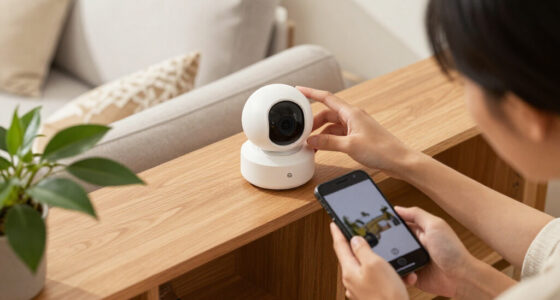
Smart home security cameras capture video and, depending on the model, audio; they send live views and alerts through an app, while recorded clips may need local storage or a subscription. Before buying, compare privacy controls, ongoing costs, network reliability, detection features, and placement. A camera can help you check what happened, but it cannot guarantee prevention or emergency response.
A camera can show you a delivery on the porch in seconds, then quietly record nothing at all when the internet drops. That gap between live viewing and saved footage is one of the most useful things to understand before you buy.

Get home appliances delivered free with Prime
- Fast, free delivery on millions of items
- Prime Video, Amazon Music and more included
- Member-only deals all year
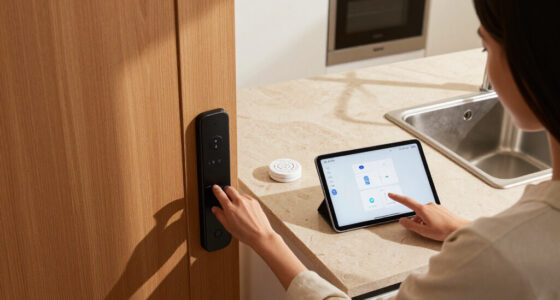
Smart home security cameras capture video and, depending on the model, audio. They connect to Wi-Fi or a wired network so you can view footage, receive alerts, and adjust settings in an app. In this blog article, you’ll learn what they are, how storage and subscriptions work, and which trade-offs matter when you choose indoor, outdoor, or doorbell cameras.
You’ll also see how to plan placement and privacy. For example, a camera trained on your front walk may help you check a parcel, while one facing a neighbor’s window can create avoidable privacy and legal problems. The aim is a setup that gives you useful information without turning your home into a maze of alerts and hidden costs.
Confirm whether saved clips need a subscription, memory card, or home hub; live viewing does not automatically mean recordings are saved.
Compare total cost over several years, including cloud history and advanced detection fees.
Use unique account credentials, multifactor authentication, current software, and carefully limited shared access.
Test camera view, lighting, Wi-Fi, and power at the intended mounting spot before installation.
Treat motion alerts as helpful signals, not guaranteed recognition or emergency response.
What Smart Home Security Cameras Can—and Can’t—Do
Smart home security cameras capture video and, depending on the model, audio, then use a network connection to provide live views, alerts, or saved clips in an app. They can help you check a front door, see whether a pet is pacing, or review an event after you get home. They do not guarantee that someone will be deterred or that help will arrive.
Think of a camera like a peephole that can send you a message: useful when you can’t get to the door, but not a guard standing there. An indoor camera might show that your dog knocked over a plant; a doorbell camera might let you speak to a courier. Outdoor models often add weather protection, spotlights, or sirens, while indoor models may focus on room monitoring and two-way audio.
Motion detection means the camera notices movement. It does not mean the device reliably recognizes a person, package, or animal every time. Advanced models may sort events into those categories, but performance can change with low light, distance, branches, or a person partly hidden behind a car.
That distinction matters on a rainy evening: swaying leaves may trigger repeated alerts while a visitor approaches from outside the camera’s view. Set expectations around alerts and evidence, not guaranteed protection. Cameras can be one part of a broader security plan, alongside good lighting, strong door locks, and a way to contact emergency services.
Products Worth Considering

Bose SoundLink Plus Portable Bluetooth Speaker, Black

Bose TV Speaker Compact Soundbar with Bluetooth and HDMI-ARC, Black

Samsung 65-Inch S90H OLED 4K Smart TV Bundle with HW-B630F Soundbar, Subwoofer, and Screen Cleaner (2026)
As an affiliate, we earn on qualifying purchases.
Compare Camera Types, Power, and Storage Before You Pay
Camera type, power source, and storage determine how a system fits your home and what it costs after checkout. Indoor, outdoor, and doorbell models cover different jobs; battery, wired, and solar-assisted designs trade installation effort for ongoing maintenance. A low shelf price can hide a monthly charge for saved clips or advanced detection.
Suppose you want to watch a side gate with no nearby outlet. A battery camera may be simpler to install, but frequent motion alerts can mean more charging. A wired model avoids charging but may need an outlet or professional installation. Solar assistance can reduce charging in a sunny spot, though shade and winter weather affect how well it works.
| Choice | What it suits | Trade-off to check |
|---|---|---|
| Indoor | Rooms, pets, or caregiver check-ins | Not built for rain, dust, or outdoor temperature swings |
| Outdoor | Entrances, driveways, and yards | Check weather rating, lighting, and power access |
| Doorbell | Visitors and deliveries at the front door | Installation and features vary by wiring and model |
| Battery or solar-assisted | Places without convenient wiring | Battery life depends on activity, signal, and temperature |
| Wired | Locations with dependable power | May require careful installation or an electrician |
Storage is a separate choice: a memory card, home hub, cloud service, or combination may hold recordings. Live viewing may be free even when saved clips, a longer history, or certain detection tools require a subscription. Compare several years of likely fees with the upfront price. A camera you bought for $60 can cost more over time than a pricier model with local recording and no recurring plan.
Protect Your Footage With Better Privacy and Account Settings
Camera privacy depends on where the device points, who can sign in, and where footage is stored. Before installing, find out whether clips stay on the camera, move to a hub, upload to the cloud, or use more than one location. Check retention periods and what happens to your footage if you close the account.
Picture an indoor camera in a living room that also captures family conversations and a guest sleeping on the sofa. A physical shutter, clear recording indicator, or schedule that turns the camera off when you are home can make its operation easier for everyone to understand. Aim outdoor cameras at your own entrances and paths, and avoid recording neighbors’ private spaces.
Use a unique password for the camera account and turn on multifactor authentication if the provider offers it. Update the camera’s software promptly, review the list of shared users, and remove accounts when someone no longer needs access. These steps reduce avoidable exposure, though no connected product can promise zero risk.
Video and audio can raise different legal questions. Rules vary by location, especially when a camera records visitors, workers, or conversations. Check local requirements and use clear notice where appropriate before recording people.
On-device processing has become more common: some cameras analyze events locally, which can reduce reliance on cloud processing. But local analysis does not prove all footage stays on the device. Read the provider’s storage and deletion terms rather than relying on a feature label alone.
Place Cameras for Useful Coverage and Fewer False Alerts
Good camera placement starts with the area you need to see, then accounts for the field of view, mounting height, light, and router distance. A wide angle can cover a porch, but mounting too high may make a visitor’s face hard to recognize. A strong Wi-Fi signal matters too: a camera at the far end of a garage may drop offline even if the app looked fine during setup.
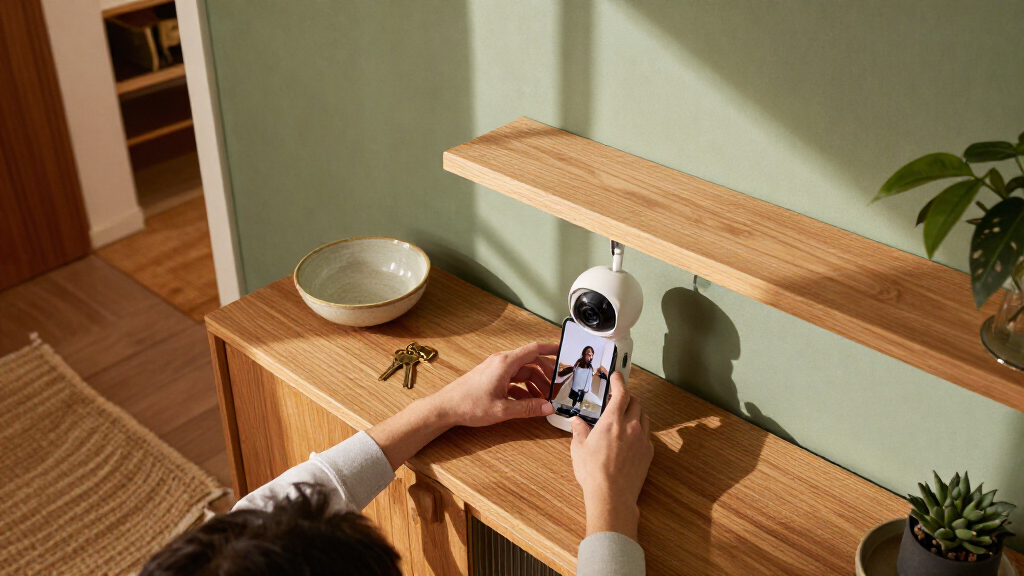
Try a simple walkthrough before drilling. Stand where you plan to mount the camera and check whether the door frame, a tree, or afternoon glare blocks the view. For example, a camera pointed straight at a bright west-facing entrance may show a washed-out silhouette at sunset. Shifting it a few feet or adding suitable lighting can help.
- Choose the event or area you want to monitor, such as the front path or garage door.
- Check the view and light during daytime and after dark; look for glare, shadows, and obstructions.
- Test network and power at the mounting spot before fixing the camera in place.
- Set motion zones and sensitivity to limit alerts from public roads, trees, or neighboring yards.
- Review a week of alerts and adjust the angle or settings if ordinary movement keeps setting it off.
Outdoor cameras need a manufacturer’s weather rating; an indoor camera may fail in rain, dust, or temperature changes. If installation involves new wiring or work on a roof, use a licensed professional. For electrical work, power should be off and appropriate protective equipment used; permit and code requirements still apply.
Make Alerts and Connectivity Work With Your Routine
Useful camera alerts depend on a reliable connection and settings that match your household. Wi-Fi cameras need a stable network and power source; outages, weak signal, or a drained battery can interrupt coverage. Some models can save footage locally during an internet outage, but remote viewing and phone notifications usually need connectivity.
Imagine getting 30 notifications in an afternoon because the camera sees every car passing the street. A detection zone that covers only your driveway and a lower sensitivity setting may cut that noise. Person, vehicle, animal, and package detection can help sort events, but a delivery hidden behind a planter may still go unnoticed. Check results in your own lighting and layout.
Camera compatibility with voice assistants and smart home systems differs by model, feature, and region. One camera may show live video on a smart display but not send the alerts or start the automation you expected. If you want a doorbell press to turn on a porch light, confirm that the exact devices and software support that action before buying.
Wi-Fi band support and bandwidth also matter. Resolution, frame rate, compression, and continuous uploading affect data use; several cameras can put more load on a home connection. A camera that works well near the router may struggle across a brick wall. Check the signal at the intended location and look for an offline recording option if uninterrupted local capture matters to you.
Keep the System Useful After Installation
A camera needs occasional upkeep to keep its image clear, its software current, and its access settings appropriate. Dust, spiderwebs, and fingerprints can blur a lens, especially at night when an infrared light reflects off a web. Battery cameras may need charging sooner in cold weather or busy areas with frequent motion.
For instance, if your camera faces a sidewalk, passing pedestrians may trigger dozens of clips and drain the battery faster than the product estimate suggests. Adjusting the detection zone can help, but check that you still capture the approach to your door. The right balance depends on what you want to know and how often you can check the device.
Make a short monthly check: clean the lens gently, confirm the camera is online, review storage space, and look for software updates. Then test a live view and, if you rely on recording, confirm a recent clip actually saved. A green status icon alone does not prove you can retrieve the footage you need.
- Review shared access and remove people who no longer need an account.
- Check retention and subscription terms before a trial period ends or a plan changes.
- Test outage behavior so you know whether local recording continues without internet.
- Revisit placement after seasonal changes, such as new foliage blocking a view.
Small checks can prevent a frustrating surprise. The clip you need may be missing because storage filled up, a battery died, or the camera had lost its connection days earlier.
Frequently Asked Questions
Do smart home security cameras require a subscription?
Not always. Many cameras offer live viewing without a plan, while cloud recordings, longer clip history, or some detection features may cost extra. Check the exact model’s storage options before buying.
Can a camera record without Wi-Fi or internet?
Some can record locally to a memory card or home hub when the internet is down. Remote viewing and phone alerts usually need connectivity, and offline behavior varies by model. Check the product details for what it saves during an outage.
Where is my camera footage stored?
Footage may be stored in the cloud, on a memory card, on a home hub, or in more than one place. Read the provider’s retention, deletion, and account-closure terms. Local storage gives you direct access but can be lost or stolen with the device.
Are smart home security cameras secure from hackers?
No connected camera is risk-free. Choose a provider with regular software updates, use a unique password and multifactor authentication, and secure your home network. Review who has shared access and remove accounts that are no longer needed.
Can I use an indoor camera outside?
Only if the manufacturer rates that model for outdoor conditions. Indoor cameras may not withstand rain, dust, or temperature changes. Check the weather rating and power requirements before placing any camera outdoors.
How many cameras do I need?
Start with the specific areas or events you want to monitor and each camera’s field of view. A few well-positioned cameras may cover more useful ground than many cameras with poor angles. Test each view before adding more devices.
Conclusion
Choose a camera by starting with the event you want to see, then match the view, power, storage, and privacy controls to that job. Test the signal and sightline before mounting, and check the full cost of saved footage.
A well-placed camera should make the front walk clearer, not fill your day with pings. Aim for the one view that answers the question you care about.