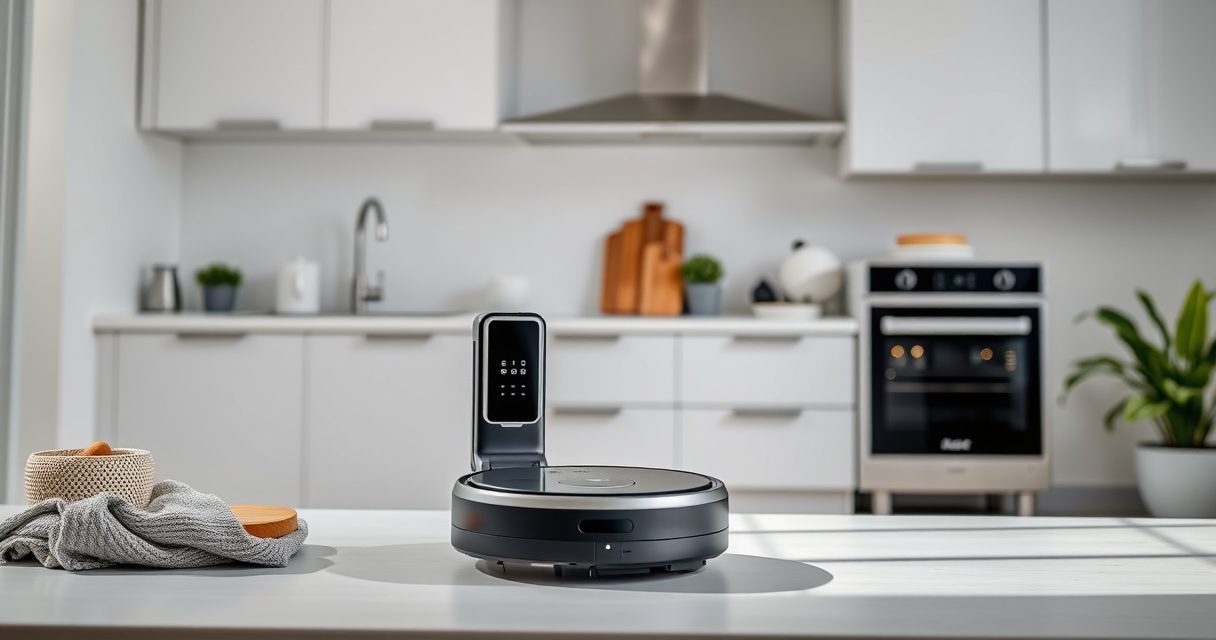

If your Roborock Q10 S5+ isn’t mopping as expected, it can be frustrating. This guide helps you identify common causes and provides safe, practical solutions to restore your robot’s mopping function.

Get home appliances delivered free — and shop member deals
- Fast, free delivery on millions of items
- Access to Prime Big Deal Days deals on October 6–7
- Prime Video, Amazon Music and more included
Follow these step-by-step instructions to troubleshoot and fix the issue, ensuring your floors stay spotless with minimal hassle.
Key Takeaways
| Check water level | Ensure the water tank is filled and seated properly. |
| Inspect mop attachment | Verify the mop pad is correctly installed and clean. |
| Review settings | Confirm mopping is enabled in the app or on the robot. |
| Examine water flow | Make sure the water flow is not blocked or restricted. |
| Perform maintenance | Clean sensors, brushes, and water tank regularly. |
Step 1: Verify Water Tank and Mop Pad
- Remove the water tank from the robot and check if it is filled with clean water. Refill if necessary, ensuring it is securely seated back in place.
- Inspect the mop pad for dirt, debris, or improper installation. Replace or wash the pad if dirty, and ensure it is firmly attached.
Step 2: Confirm Mopping Settings
- Open the Roborock app and navigate to cleaning settings.
- Ensure the mopping function is enabled for your scheduled or manual clean.
- Check that the water flow rate is set correctly, if adjustable.
Step 3: Check Water Flow and Blockages
- Inspect the water inlet and outlet for any blockages or debris.
- Clean any clogs using a soft brush or compressed air.
- Ensure the water tank’s valve is functioning properly and open.
Step 4: Perform Maintenance and Reset
- Clean sensors, brushes, and water tank to prevent performance issues.
- Restart the robot and perform a test mopping cycle.
- If problems persist, consider resetting the robot to factory settings and reconfiguring.
Additional Tips & Warnings
- Always use clean, filtered water to avoid mineral build-up.
- Regularly wash or replace mop pads to maintain cleaning efficiency.
- Do not overfill the water tank to prevent leaks or damage.
- Handle the water tank carefully to avoid cracks or damage.
The Products in This Guide

roborock Q10 S5+ Robot Vacuum and Mop
- ✔ Dust Capacity: 2.7L
- ✔ Self-Emptying: 70 days
- ✔ Suction Power: 10,000 Pa

4 Pack Washable Filter
- ✔ Number of Pads: 4
- ✔ Material: Microfiber
- ✔ Washable: Yes
roborock Q10 S5+ Robot Vacuum and Mop
The Roborock Q10 S5+ offers powerful suction and sonic mopping with self-emptying convenience. Its obstacle avoidance and dual anti-tangle system make it a reliable choice for busy homes.
Pros:
- Powerful 10,000 Pa suction
- Self-emptying for 70 days
- VibraRise 2.0 mopping system
- Obstacle avoidance
Cons:
- Higher price point
- Requires regular water tank maintenance
- Some users find app setup complex
Best for: Pet owners and busy households needing comprehensive cleaning.
Not ideal for: Users seeking a budget-friendly vacuum only.
Bottom line: A high-performance robot vacuum with advanced mopping features ideal for demanding households.
4 Pack Washable Filter
These washable microfiber mop pads are compatible with various Roborock models including the Q10 S5+. They are durable, absorbent, and easy to clean, making your mopping more efficient.
Pros:
- Reusable and washable
- High-quality microfiber
- Compatible with multiple models
- Easy to install
Cons:
- Requires regular washing
- Not original OEM
- Limited to specific models
Best for: Frequent mopping users who value eco-friendly accessories.
Not ideal for: Users needing disposable pads or incompatible models.
Bottom line: A cost-effective, eco-friendly choice for regular mopping needs.
Frequently Asked Questions
Why isn’t my Roborock mopping properly?
Common causes include a clogged water outlet, improperly installed mop pad, or settings that disable mopping. Follow troubleshooting steps to identify and fix the issue.
How often should I clean the water tank and mop pad?
Clean the water tank weekly and wash or replace mop pads every 1-3 months for optimal performance.
Can I use any water in the tank?
It is best to use clean, filtered water to prevent mineral build-up and ensure smooth water flow.
What should I do if water flow is weak or blocked?
Check for blockages in the water outlet and inlet, clean with a soft brush or compressed air, and ensure the valve is open.
Keep Your Roborock Mopping Perfectly
Regular maintenance and proper setup are key to keeping your Roborock Q10 S5+ mopping effectively. Follow the troubleshooting steps outlined here to resolve common issues quickly and enjoy spotless floors every time.
Affiliate disclosure: As an Amazon Associate we earn from qualifying purchases. Prices and availability are accurate as of the time of publishing.
Fall yard work Picks
leaf blowers
As an affiliate, we earn on qualifying purchases.