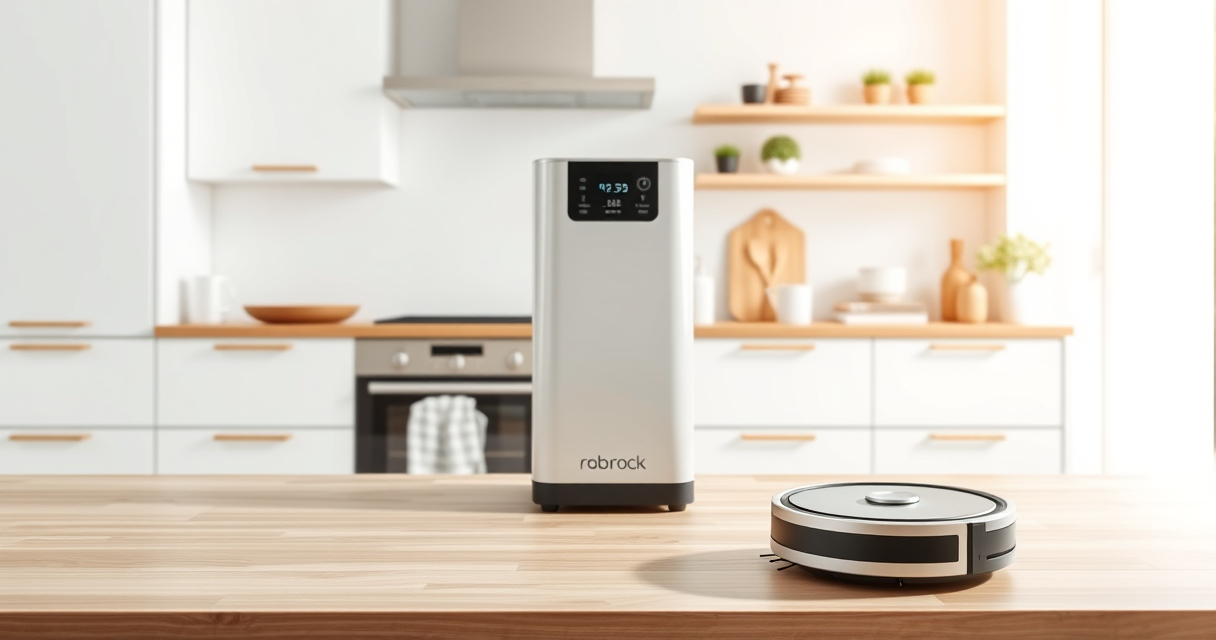
If your Roborock Q7 M5+ robot vacuum keeps getting stuck during cleaning, it can be frustrating and reduce its efficiency. Fortunately, most issues are fixable with some simple troubleshooting steps. This guide will walk you through practical, safe solutions to help your vacuum navigate smoothly again.

Get home appliances delivered free — and shop member deals
- Fast, free delivery on millions of items
- Access to Prime Big Deal Days deals on October 6–7
- Prime Video, Amazon Music and more included
Before starting, ensure your robot has a clear cleaning path, and check for common obstacles that may block its movement. Regular maintenance like cleaning sensors and brushes can also prevent recurring problems.
Key Takeaways
| Clear Path | Remove obstacles and tidy the cleaning area. |
| Sensor Maintenance | Clean sensors and wheels regularly. |
| Check for Tangles | Inspect brushes for hair and debris. |
| Update Firmware | Ensure your robot’s software is current. |
| Adjust Settings | Review navigation settings if issues persist. |
Step 1: Clear the Obstacle Path
- Remove any objects, cords, or small items that could block the robot’s movement.
- Check for clutter on the floor, especially near walls and furniture edges.
- Ensure the robot has enough space to navigate freely without tight corners or narrow gaps.
Step 2: Clean Sensors and Wheels
- Turn off the robot and gently wipe the sensors with a soft, dry cloth to remove dust or smudges.
- Inspect the wheels and side brushes for hair or debris. Remove any entanglements carefully.
- Use a small brush or toothpick to clear out tight spots on the wheels if needed.
Step 3: Check for Hair or Tangles
- Remove the main brush and inspect for pet hair or debris that might cause tangling.
- Use the dual anti-tangle system to reduce hair buildup, but manually clear any tangles present.
- Reassemble the brush and ensure it spins freely.
Step 4: Update Firmware and Reset
- Open the Roborock app and check for firmware updates. Install if available.
- If issues persist, perform a soft reset by turning the vacuum off, waiting a few seconds, then restarting it.
- Recalibrate the navigation if your model supports this feature.
Tips and Warnings
- Always turn off the robot before cleaning sensors or brushes to avoid injury.
- Avoid wetting sensors or electronic parts—use a dry cloth.
- Regularly schedule maintenance to prevent buildup and navigation issues.
- If problems persist despite troubleshooting, contact Roborock support.
The Products in This Guide

roborock Q7 M5+ Robot Vacuum and Mop
- ✔ Model: Q7 M5+
- ✔ Color: Black
- ✔ Connectivity: App & Voice

4 Pack Washable Filter
- ✔ Pack: 4 filters
- ✔ Material: HEPA
- ✔ Washable: Yes
roborock Q7 M5+ Robot Vacuum and Mop
The Roborock Q7 M5+ offers powerful suction and a dual anti-tangle system, making it highly effective at navigating around pet hair and carpets. Its upgrade from the Q5 Max+ ensures longer cleaning cycles with up to 7-9 weeks of self-emptying convenience.
Pros:
- Powerful 10000Pa suction
- Effective anti-tangle design
- Long-lasting self-emptying feature
- PreciSense LiDAR navigation
Cons:
- May require regular sensor cleaning
- Can get stuck on very tight gaps
Best for: Pet owners and homes with carpets needing deep cleaning
Not ideal for: Very cluttered environments with narrow gaps
Bottom line: A powerful, intelligent vacuum perfect for pet owners seeking long-lasting, efficient cleaning.
4 Pack Washable Filter
This 4-pack of washable filters ensures your Roborock Q7 M5+ stays at peak performance. Easy to install and clean, they are a cost-effective way to maintain optimal suction and air quality.
Pros:
- Compatible with multiple models
- Washable and reusable
- True HEPA filtration
- Easy to replace
Cons:
- Requires regular cleaning
- Not OEM, but performs similarly
Best for: Regular filter replacements and air quality maintenance
Not ideal for: If you prefer OEM parts or specialized filters
Bottom line: A reliable, washable filter set that keeps your vacuum performing at its best.
Frequently Asked Questions
My Roborock keeps getting stuck on specific spots. What should I do?
Check for obstacles, clean sensors and wheels, and ensure the floor is free of debris. Updating firmware may also help.
How often should I clean the sensors?
Clean the sensors weekly or whenever you notice navigation issues to maintain optimal performance.
Can I use a different mop pad with my Roborock?
Yes, but ensure the mop pad is compatible with your model. The VIEWALL 6 Pack Reusable Mop Pads fit many models including Q10 and S8 Pro+.
What should I do if my vacuum still gets stuck after troubleshooting?
Contact Roborock support for advanced assistance or consider replacing worn parts such as brushes or filters.
Keep Your Roborock Running Smoothly
Regular maintenance, obstacle management, and software updates are key to preventing your Roborock from getting stuck. Follow these steps, and your vacuum will provide reliable cleaning performance for years to come. If issues persist, professional support can help resolve more complex problems, ensuring your home stays spotless effortlessly.
Affiliate disclosure: As an Amazon Associate we earn from qualifying purchases. Prices and availability are accurate as of the time of publishing.
Fall Picks
fall essentials
As an affiliate, we earn on qualifying purchases.