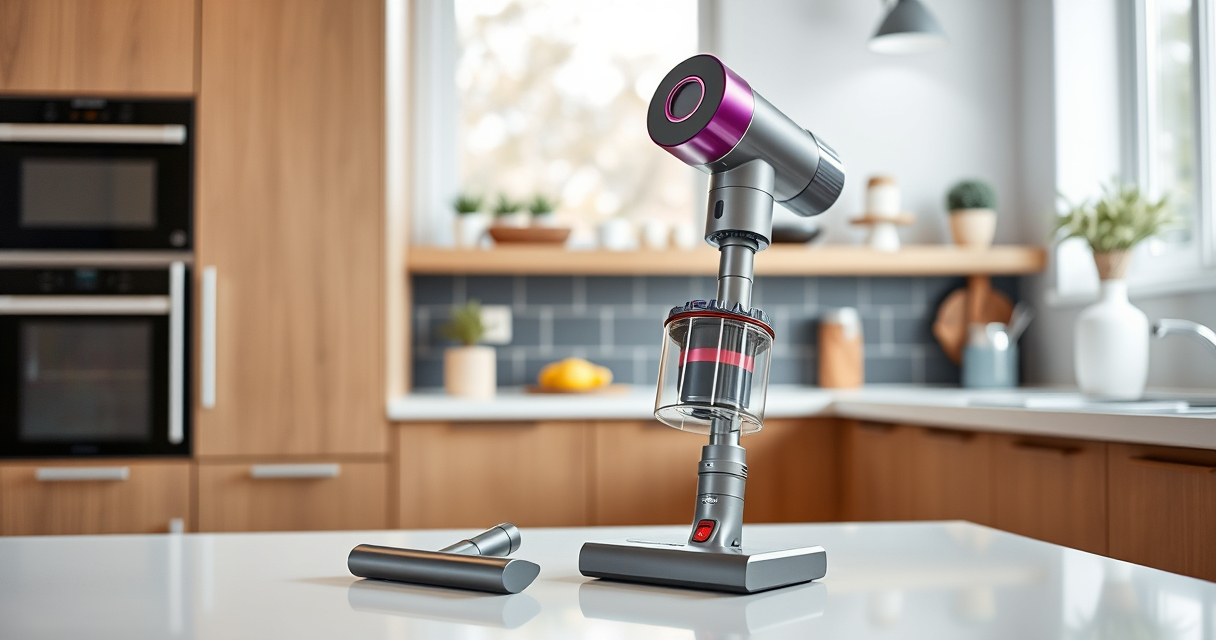
Keeping your Dyson V15 Detect™ Origin cordless vacuum in top condition ensures optimal cleaning performance and longevity. Regular maintenance not only extends the life of your device but also guarantees that it continues to reveal invisible dust and deep clean your entire home effectively.

Get home appliances delivered free with Prime
- Fast, free delivery on millions of items
- Prime Video, Amazon Music and more included
- Member-only deals all year
This guide walks you through essential cleaning routines, filter replacements, troubleshooting common issues, and tips for safe handling. Follow these practical steps to maintain your vacuum’s power, suction, and overall efficiency.
Key Takeaways
| Regular Filter Cleaning | Prevents loss of suction and maintains air quality. |
| Battery & Power Maintenance | Ensures maximum run time and power efficiency. |
| Routine Brush & Bin Cleaning | Prevents clogging and hair tangles for consistent performance. |
| Troubleshooting Tips | Quick fixes for common problems like loss of suction or power. |
| Safe Handling & Storage | Prevents damage and prolongs your vacuum’s lifespan. |
Regular Filter Maintenance
- Remove the Pre-Filters: Open the vacuum’s filter compartment, usually located at the cyclone or bin area, and gently take out the pre-filters.
- Wash the Filters: Rinse the filters under cold water until the water runs clear. Do not use detergents or brushes.
- Dry Completely: Allow filters to air dry completely for at least 24 hours before reinserting. Do not use heat sources like a hairdryer.
- Replace Periodically: Reinstall the filters once dry, and replace them every 2-3 months for optimal performance.
Regularly cleaning your filters helps maintain strong suction and keeps the air in your home fresh, especially when dealing with pet hair or fine dust.
Cleaning the Bin and Brush Bar
- Empty the Bin: Detach the dustbin by pressing the release latch, and empty it into your trash. Rinse with water if needed, then dry thoroughly.
- Clear the Brush Bar: Remove hair and debris tangled around the Digital Motorbar and Fluffy Optic cleaner head. Use scissors or a cleaning tool to cut away hair without damaging the brush.
- Inspect for Clogs: Check the airflow pathways and ensure no blockages remain, as clogs can reduce suction power.
Keeping the bin and brush bar clean prevents clogging and ensures consistent deep cleaning across all floor types.
Battery & Power Troubleshooting
- Check the LCD Screen: Monitor the display for maintenance alerts or low battery warnings.
- Charge Properly: Use the original Dyson charger, and ensure the vacuum is connected to a functioning power outlet. Avoid overcharging.
- Reset the Vacuum: For power issues, turn off the vacuum, disconnect from power, and press the power trigger for 10 seconds to reset.
- Replace the Battery: If run time is significantly reduced despite proper charging, consider replacing the battery or contacting Dyson support.
Proper handling of the battery extends its lifespan and maintains optimal run time for effective cleaning sessions.
Replacing Filters & Accessories
- Pre-Filters & V10 Filters: Remove the old filters and rinse with water. Replace with new filters like the 3Pack Pre Filters Replacement or V10 filters as needed.
- Crevice Tools & Attachments: Periodically inspect and clean or replace attachments like the LANMU Crevice Tool to ensure they are free of debris and function smoothly.
- Installation Tips: Follow the manufacturer’s instructions for easy replacement, ensuring filters click securely into place.
Using genuine replacement parts guarantees compatibility and maintains your vacuum’s cleaning power.
Troubleshooting Common Issues
- Loss of Suction: Check for clogged filters, brush bars, or airflow blockages. Clean all components thoroughly.
- Battery Not Charging: Verify the power outlet and charger. Reset the vacuum if needed, or replace the battery if old.
- Weak Performance: Ensure filters are clean, and brushes are free of hair and debris. Consider replacing worn filters.
- Unusual Noises or Error Codes: Consult the LCD screen for alerts, and refer to Dyson’s support resources for specific error troubleshooting.
Most issues can be resolved with routine cleaning and maintenance, preventing costly repairs or replacements.
The Products in This Guide

Dyson V15 Detect™ Origin Cordless Vacuum
- ✔ Warranty: 2 years
- ✔ Dimensions: 47 x 9.8 x 8.3 inches
- ✔ Color: Iron/Blue

LANMU Crevice Tool Vacuum Attachments Compatible
- ✔ Durability: High-strength plastic
- ✔ Ease of Use: Simple click-on fitting
- ✔ Cleaning Tip: Clean nozzle regularly for best airflow
Dyson V15 Detect™ Origin Cordless Vacuum
The Dyson V15 Detect™ Origin is a powerful and intelligent vacuum, ideal for whole-home cleaning. Its ability to reveal invisible dust and adapt power based on debris makes it a standout choice. Regular maintenance is key to keeping it performing at its peak.
Pros:
- Powerful suction with 100% more power
- Intelligent dust detection
- Long battery life (60 mins)
- Multiple clean head options
Cons:
- Filter cleaning required every few months
- Can be heavy for some users
- Price point is premium
Best for: Homeowners seeking deep, versatile cleaning with smart features
Not ideal for: Light cleaning tasks or small apartments due to weight
Bottom line: Regular maintenance ensures your Dyson V15 Detect™ Origin stays powerful and reliable.
LANMU Crevice Tool Vacuum Attachments Compatible
The LANMU Crevice Tool Vacuum Attachments extend your Dyson’s reach, perfect for cleaning tight corners, sofa cushions, and car interiors. Its slim profile allows effortless navigation into small spaces.
Pros:
- Narrow nozzle for tight spots
- Compatible with multiple Dyson models
- Flexible and easy to use
- Effective for car and home cleaning
Cons:
- May require occasional cleaning of the nozzle
- Not compatible with older V6 models
- Plastic build may feel less durable
Best for: Detail cleaning in hard-to-reach areas
Not ideal for: Heavy-duty cleaning or large debris removal
Bottom line: A practical attachment that enhances your Dyson’s versatility for detailed cleaning.
Frequently Asked Questions
How often should I clean the filters on my Dyson V15?
It’s recommended to rinse the filters every 1-3 months, depending on usage, and replace them every 2-3 months for optimal performance.
Why is my vacuum losing suction?
Loss of suction can be caused by clogged filters, tangled hair in the brush bar, or airflow blockages. Regular cleaning of these components usually restores power.
Can I wash the filters with soap?
No, Dyson recommends rinsing filters with cold water only. Avoid using detergents or brushes, and ensure they are completely dry before reinstalling.
How long does it take to fully charge the Dyson V15?
It typically takes about 3.5 hours to fully charge the vacuum using the original Dyson charger.
What should I do if the vacuum shows an error code on the LCD?
Refer to the Dyson user manual or support site for specific error codes. Often, resetting the vacuum or cleaning clogged parts resolves the issue.
Keep Your Dyson V15 Detect™ Origin Performing Like New
Regular maintenance is essential for ensuring your Dyson cordless vacuum continues to deliver powerful, efficient cleaning. From cleaning filters and brushes to troubleshooting common issues, following these steps will help extend the lifespan of your device and keep your home spotless.
Remember, always handle parts with care, use genuine replacements, and consult Dyson support for complex problems. With proper care, your vacuum will serve you well for years to come.
Affiliate disclosure: As an Amazon Associate we earn from qualifying purchases. Prices and availability are accurate as of the time of publishing.
Halloween Picks
halloween
As an affiliate, we earn on qualifying purchases.