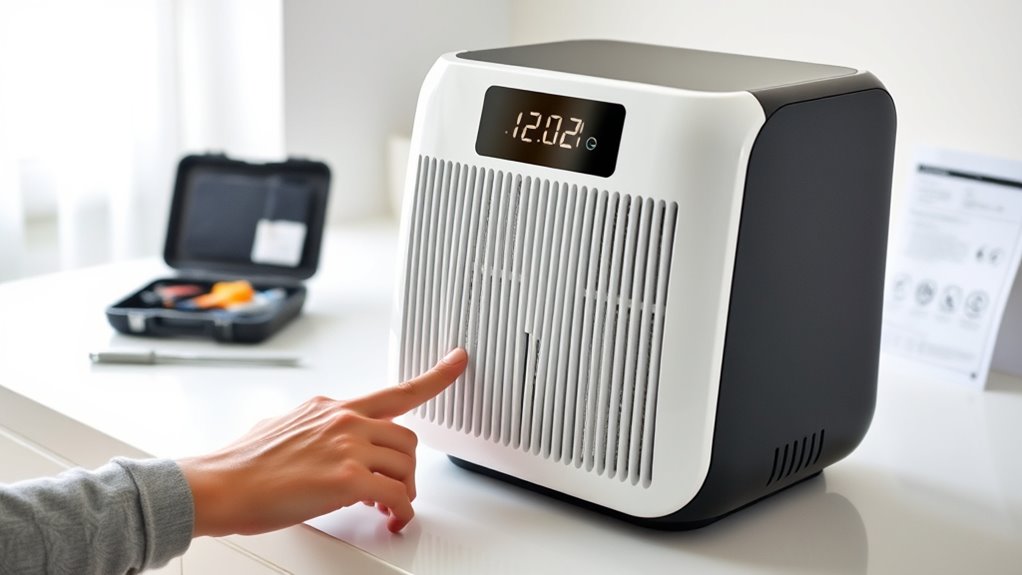
If your air purifier isn’t working well, start by checking the filters. Clogged or dirty filters are a common cause of poor airflow and louder noise. Replace or clean filters regularly, and make certain they’re installed correctly. If noise persists, inspect fan blades and look for debris or vibrations. Proper maintenance helps your device run smoothly longer. Keep exploring to discover more tips that can keep your air purifier performing at its best.

Get home appliances delivered free with Prime
- Fast, free delivery on millions of items
- Prime Video, Amazon Music and more included
- Member-only deals all year
Key Takeaways
- Check and replace clogged or dirty filters regularly to restore airflow and improve efficiency.
- Inspect filters for proper installation and remove debris to prevent noise and airflow issues.
- Clean fan blades and ensure filters are correctly seated to reduce vibrations and rattling sounds.
- Use indicator lights and perform routine inspections to identify maintenance needs early.
- If noise persists after cleaning and adjustments, consider professional repair for mechanical or motor problems.
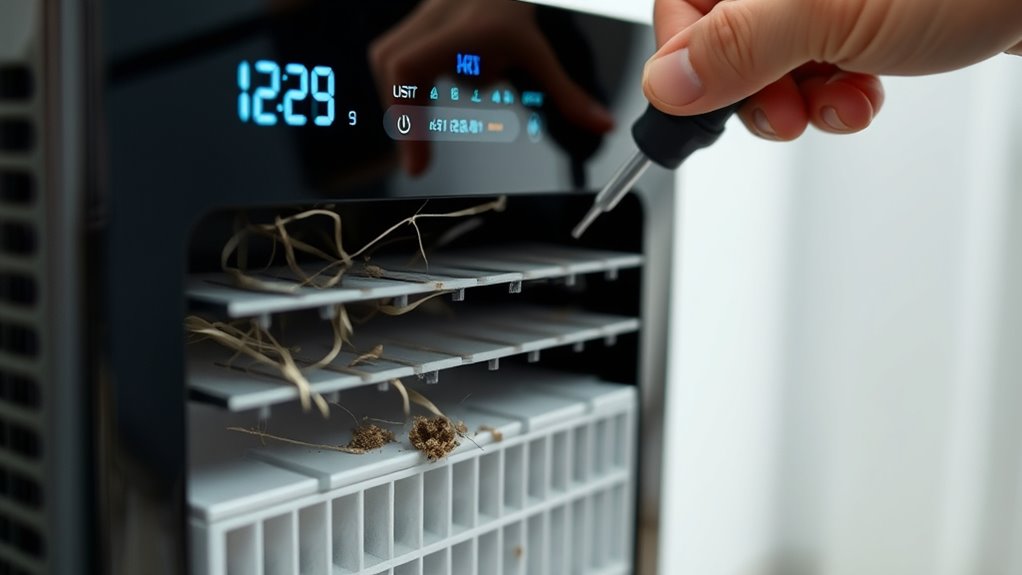
Air purifiers are vital for maintaining clean indoor air, but when they stop working properly, it can be frustrating. One common issue is poor airflow, which often stems from a clogged or dirty filter. Regular filter replacement is essential to keep your air purifier functioning efficiently. If you notice that the air feels less fresh or the purifier seems to be working harder than usual, it’s time to check the filter. Many models have indicator lights that signal when a filter change is needed; however, if your unit doesn’t have one, it’s a good idea to inspect the filter every few months. Removing the old filter and installing a new one can restore ideal airflow and improve air quality. Neglecting filter replacement not only compromises the purifier’s performance but can also lead to increased noise issues. When filters become clogged or dirty, your unit works harder to pull air through, which often results in louder operation or strange noises. Cleaning or replacing the filter usually solves this problem, restoring quiet operation and better air circulation. Additionally, understanding the performance features of your air purifier can help you troubleshoot more effectively. Noise issues are another common problem faced by users. If your air purifier suddenly becomes noisier, it might be due to an improperly installed filter or debris caught in the fan. First, turn off the unit and unplug it. Carefully remove the filter and check for any obstructions or accumulated dust. Cleaning the filter (if it’s a washable type) or replacing it entirely can eliminate the noise. Also, ensure the filter is seated correctly after replacement, as a misaligned filter can cause vibrations or rattling sounds. Sometimes, the noise can be caused by the fan itself, especially if it’s dirty or worn out. In such cases, cleaning the fan blades or consulting the manufacturer for replacement parts can help. If noise persists despite these measures, it might be a sign of a motor issue or mechanical defect, requiring professional repair or replacement.
air purifier replacement filters
As an affiliate, we earn on qualifying purchases.
As an affiliate, we earn on qualifying purchases.
Frequently Asked Questions
How Often Should I Replace the Air Purifier Filters?
You should replace your air purifier filters every 6 to 12 months, depending on the filter lifespan and usage. Check your manufacturer’s recommendations for ideal replacement frequency. If you notice reduced airflow, persistent odors, or dust buildup, it’s time to change the filters sooner. Regular replacement ensures your purifier works efficiently and maintains good indoor air quality, protecting you from pollutants and allergens.
Can I Use My Air Purifier Outdoors?
Did you know that using an air purifier outdoors can reduce pollutants by up to 90%? While some models are designed for outdoor use, most are intended for indoor environments. Using your air purifier outdoors may damage the device and increase its environmental impact due to exposure to elements. Always check your manufacturer’s guidelines before using it outside, and consider outdoor-specific air purifiers for *best* performance.
Why Does My Air Purifier Make Strange Noises?
Your air purifier makes strange noises because of noise causes like a loose fan or debris inside. Check if the filter replacement is needed, as a dirty or misaligned filter can also cause unusual sounds. Turn off the unit, inspect the fan and filter, and remove any obstructions. Regular maintenance helps prevent these noise issues, ensuring your purifier runs quietly and efficiently.
How Do I Reset My Air Purifier After Cleaning?
To reset your air purifier after cleaning, start by turning it off and unplugging it. Once you’ve replaced the filter if needed, press and hold the reset button or switch it on while holding the reset function, depending on your model. Keep holding until the reset process completes, usually indicated by a light or sound. This guarantees your purifier recognizes the filter replacement and is ready to operate efficiently.
Is It Safe to Leave My Air Purifier on Overnight?
Sure, leaving your air purifier on overnight is totally safe, even if it feels like overkill. In fact, it can markedly improve your nighttime air quality, helping you breathe easier while you sleep. Just make sure your device has proper filters and isn’t overheating. If you do so, you’ll enjoy fresher air and a healthier sleep environment—so yes, it’s perfectly safe for overnight use.
As an affiliate, we earn on qualifying purchases.
Conclusion
By troubleshooting common issues, you can keep your air purifier running smoothly and breathe cleaner air every day. Did you know that using an air purifier can reduce airborne pollutants by up to 99%? That’s like removing nearly all the invisible particles that threaten your health. Regular maintenance and quick fixes guarantee you get the most out of your device, helping you breathe easier and live healthier. Keep troubleshooting and enjoy fresh, clean air in your space.
air purifier fan blade cleaning kit
As an affiliate, we earn on qualifying purchases.
As an affiliate, we earn on qualifying purchases.
As an affiliate, we earn on qualifying purchases.
Fall yard work Picks
leaf blowers
As an affiliate, we earn on qualifying purchases.