
Get home appliances delivered free with Prime
- Fast, free delivery on millions of items
- Prime Video, Amazon Music and more included
- Member-only deals all year
Key Takeaways
| Identify common causes | Obstacles, tangled brushes, or navigation errors |
| Clear obstacles | Remove items blocking the robot’s path |
| Check for tangles | Inspect brushes and wheels for hair or debris |
| Update navigation | Ensure firmware and app settings are current |
| Perform regular maintenance | Clean filters, brushes, and sensors |
1. Inspect and Clear Obstacles
- Check the area where your Roborock usually gets stuck. Look for cords, small objects, or clutter that could block its path.
- Remove any obstacles and ensure the floor is clear and smooth.
- Pay special attention to narrow corridors or under furniture where it might get trapped.
2. Examine Brushes and Wheels for Tangles
- Turn off and unplug your vacuum for safety.
- Inspect the main brush and side brushes for hair or debris that may cause tangling or hinder movement.
- Remove any tangled hair carefully, and clean the wheels if they’re obstructed.
3. Reset and Update Navigation Settings
- Open the Roborock app and ensure your device’s firmware is up to date.
- If needed, perform a reset of the navigation map or rerun the cleaning zone setup.
- Reboot the vacuum and observe if it navigates smoothly afterward.
4. Perform Routine Maintenance
- Clean or replace filters regularly — the featured 4 Pack Washable Filter can help maintain suction and navigation.
- Wash mop pads and check for debris in the dust bag, especially the 2.7L sealed dust bin.
- Schedule periodic deep cleaning of sensors and charging contacts.
Additional Tips & Warnings
- Always power off the device before inspecting or cleaning brushes and wheels.
- Be cautious when removing tangled hair to avoid damaging brushes or wheels.
- Regularly update the Roborock app and firmware to benefit from navigation improvements.
The Products in This Guide

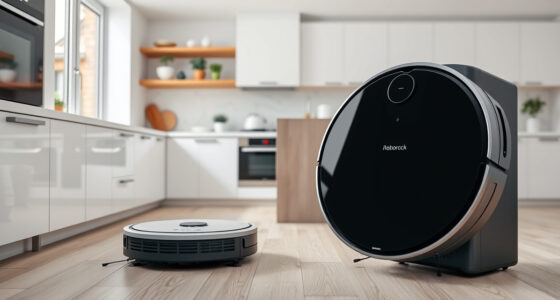
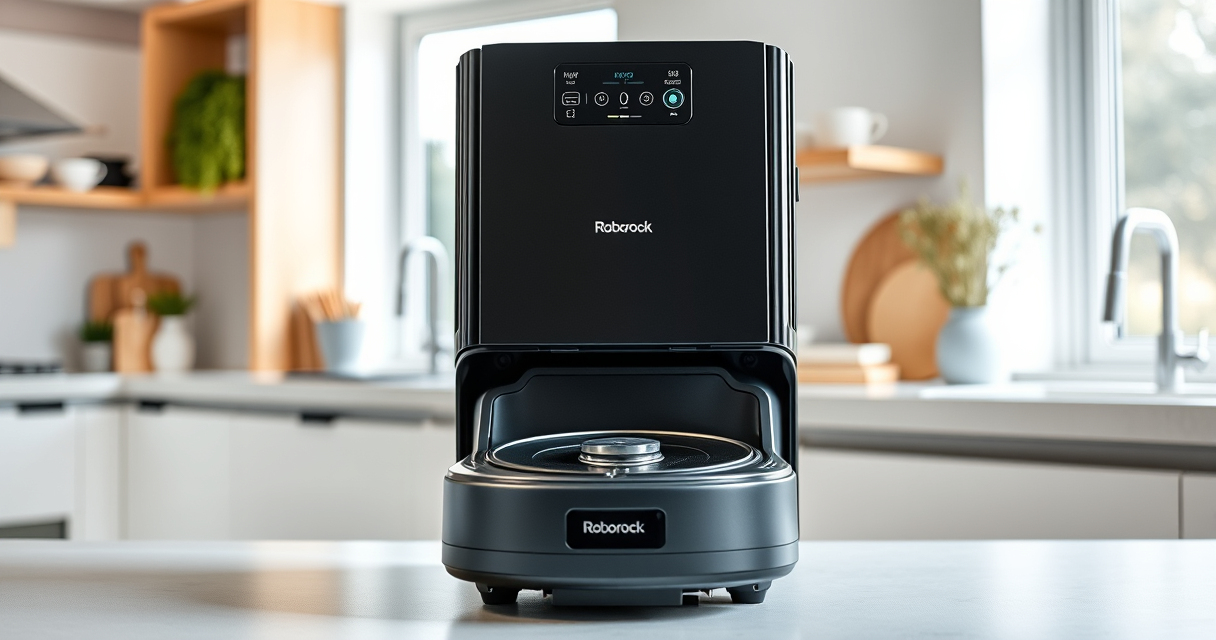
roborock Q7 M5+ Robot Vacuum and Mop
- ✔ Dust Capacity: 2.7L
- ✔ Max Runtime: Extended cleaning sessions
- ✔ Connectivity: Wi-Fi and app control

4 Pack Washable Filter
- ✔ Material: HEPA
- ✔ Washable: Yes
- ✔ Compatibility: Multiple Roborock models
roborock Q7 M5+ Robot Vacuum and Mop
The Roborock Q7 M5+ stands out with its powerful 10,000Pa suction, dual anti-tangle system, and PreciseSense LiDAR navigation, making it highly effective and reliable. Its self-emptying feature ensures minimal maintenance, and app control offers convenience.
Pros:
- Strong suction power
- Effective anti-tangle system
- Self-emptying dust bag
- Precise navigation
Cons:
- Higher price point
- Requires app setup
- Limited to specific models
Best for: Pet owners and busy households needing reliable cleaning
Not ideal for: Users looking for ultra-compact or budget-friendly options
Bottom line: A powerful, smart robot vacuum ideal for pet owners who prioritize minimal maintenance.
4 Pack Washable Filter
This 4-pack washable HEPA filters ensures your Roborock maintains strong suction and air quality. Easy to install and clean, it’s a cost-effective way to keep your vacuum working at its best.
Pros:
- Compatible with multiple models
- Washable and reusable
- Maintains suction efficiency
- Simple installation
Cons:
- Needs regular cleaning
- Not OEM but compatible
- Limited to certain models
Best for: Enhancing filtration and suction performance
Not ideal for: Users needing original OEM filters
Bottom line: A cost-effective way to keep your Roborock’s air quality and suction at peak performance.
Frequently Asked Questions
Why does my Roborock keep getting stuck?
Common causes include obstacles, tangled brushes, outdated firmware, or navigational errors. Regularly clearing obstacles and maintaining the brushes can prevent this.
How can I improve navigation to prevent getting stuck?
Ensure your robot’s firmware is up to date, reset or rerun the mapping in the app, and clear any clutter in its usual path.
What maintenance is recommended to keep my Roborock running smoothly?
Regularly clean or replace filters, check and remove hair or debris from brushes and wheels, and update firmware via the app.
Can I use other mop pads or filters with my Roborock?
Yes, but ensure they are compatible with your specific model. The recommended products are designed to fit models like the Q7 and Q5 series for optimal performance.
Keep Your Roborock Cleaning Smoothly
With proper inspection, maintenance, and updates, your Roborock vacuum can avoid getting stuck and perform at its best. Regularly clearing obstacles and keeping components clean will extend its lifespan and ensure your home stays clean effortlessly.
Affiliate disclosure: As an Amazon Associate we earn from qualifying purchases. Prices and availability are accurate as of the time of publishing.