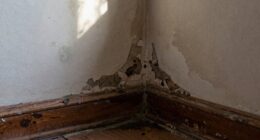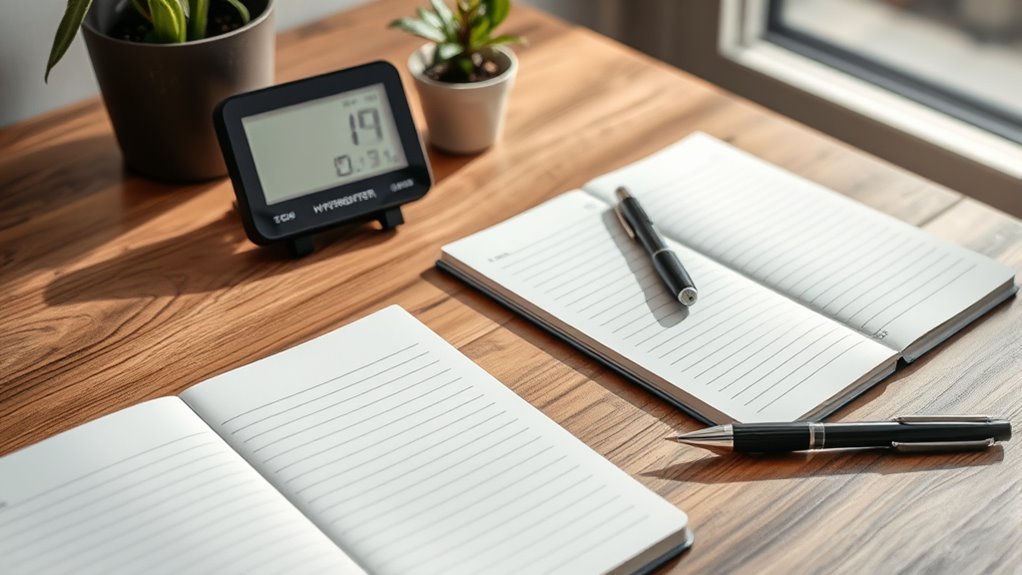
Creating a humidity log helps you understand your home’s moisture environment, which is key to staying comfortable and preventing problems like mold, dust mites, or dry skin. Start by placing reliable sensors in key areas, avoiding direct sunlight or vents, and recording humidity levels regularly. Tracking this data over time allows you to identify patterns and make informed decisions about using humidifiers or dehumidifiers. Keep going to learn simple steps to effectively manage your indoor air quality.
Key Takeaways
- Regularly recording humidity levels helps identify trends and detect issues like excessive dryness or dampness.
- Placing sensors in key areas ensures accurate data collection for a comprehensive indoor air quality overview.
- Maintaining a detailed log supports informed decisions on using humidifiers or dehumidifiers effectively.
- Consistent monitoring prevents mold growth, dust mites, and dry skin by managing moisture levels appropriately.
- Analyzing humidity patterns over time optimizes indoor comfort and overall health through targeted adjustments.
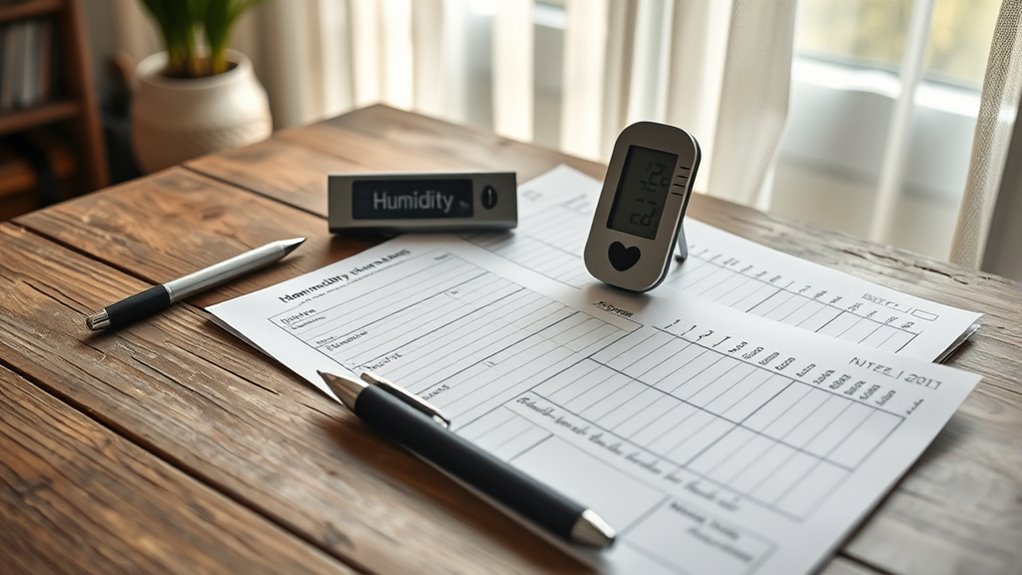
Monitoring your home’s humidity levels is an essential step toward maintaining a comfortable and healthy environment. When you keep track of humidity, you can prevent issues like mold growth, dust mites, and dry skin, while also ensuring your home feels just right. To do this effectively, you’ll want to use reliable humidity sensors. These devices measure the moisture levels in your indoor air accurately and consistently, giving you real-time data on your environment. With modern sensors, you can even connect them to your smartphone or home automation system, making monitoring straightforward and accessible. Once you have your humidity sensors in place, the next step involves data analysis. By regularly reviewing the data collected, you can identify patterns or fluctuations that might indicate problems or opportunities for adjustment. For example, if you notice that humidity consistently drops below 30%, you know it’s time to use a humidifier. Conversely, if it stays above 60%, a dehumidifier might be necessary to prevent mold growth. Data analysis helps you understand your home’s unique humidity trends, rather than relying on guesswork or sporadic checks. To start creating a humidity log, place your sensors in key areas of your home—living rooms, bedrooms, basements, or kitchens—where humidity levels tend to fluctuate. Make sure the sensors are placed away from direct sunlight, vents, or windows, which could skew readings. Set a schedule for recording data; many sensors automatically log data at regular intervals, but you can also take manual readings daily or weekly. Record these readings in a dedicated log or spreadsheet, noting the date, time, and humidity percentage. Over time, you’ll develop a clear picture of your indoor air quality and how it responds to changes like weather shifts, heating, or cooling. This ongoing record allows you to make informed decisions about managing humidity levels more precisely. It also empowers you to troubleshoot issues as soon as they arise, instead of waiting for symptoms like mold or musty odors to become problematic. Accurate measurement is fundamental to understanding your home’s specific humidity needs and making effective adjustments. By consistently analyzing your data, you gain insights into what adjustments are needed, whether that’s increasing ventilation, adding a humidifier, or reducing dehumidifier use. Creating and maintaining a home humidity log is a simple yet powerful way to optimize your indoor air quality. It gives you tangible evidence to support your decisions and helps you maintain a healthier, more comfortable living space. With the right tools and a little regular review, you’ll stay ahead of humidity issues and enjoy a balanced environment year-round.
As an affiliate, we earn on qualifying purchases.
Frequently Asked Questions
How Often Should I Check My Home Humidity Levels?
You should check your home humidity levels at least once a week to maintain good air quality. During seasonal changes, adjust your checks accordingly, as humidity can fluctuate with weather. Regular monitoring helps prevent issues like mold or dryness. If you notice significant changes, increase your checks to guarantee your indoor environment stays comfortable and healthy. Consistent tracking makes it easier to make timely seasonal adjustments for ideal air quality.
What Is the Ideal Humidity Range for Most Homes?
Imagine a cozy room where indoor plants thrive, and air quality feels just right. You should aim for a humidity range of 30-50%, like a gentle breeze that nurtures your home. This balance keeps your plants lush and helps maintain healthy air quality. When humidity stays within this range, your space feels comfortable, fresh, and inviting—perfect for both your family and your indoor greenery to flourish together.
Can a Humidity Log Help Reduce Mold Growth?
A humidity log can definitely help with mold prevention by tracking moisture levels in your home. When you monitor humidity regularly, you can identify trends that suggest excess moisture, allowing you to take action for better moisture control. This proactive approach reduces the chances of mold growth, keeping your space healthier. By staying on top of humidity levels, you’re actively managing conditions that lead to mold, protecting your home long-term.
What Tools Are Best for Recording Humidity Data?
While it might seem tempting to rely on guesswork, using the right tools makes all the difference. A digital hygrometer offers accurate, real-time humidity readings, helping you keep your home comfortable. Pair it with a smartphone app for easy tracking and trend analysis. These tools simplify monitoring, so you can make informed decisions to prevent mold and maintain ideal humidity levels effortlessly.
How Can I Interpret the Data From My Humidity Log?
You can interpret your humidity log by looking for patterns in humidity levels over time. Notice when moisture fluctuations spike or drop, which might indicate issues like drafts or leaks. Consistent humidity patterns help you understand your home’s moisture balance, so you can adjust your environment as needed. Tracking these fluctuations makes it easier to maintain comfortable, healthy humidity levels and prevent problems like mold or dry air.
As an affiliate, we earn on qualifying purchases.
Conclusion
Keeping a home humidity log isn’t just about comfort—it’s vital for health and maintenance. Did you know that indoor humidity levels above 60% can promote mold growth? By tracking your humidity, you can prevent mold, reduce allergy symptoms, and protect your belongings. Start today, and you’ll be surprised at how small changes make a big difference. A simple log can help you maintain ideal humidity, ensuring a healthier, more comfortable home all year round.
As an affiliate, we earn on qualifying purchases.
As an affiliate, we earn on qualifying purchases.