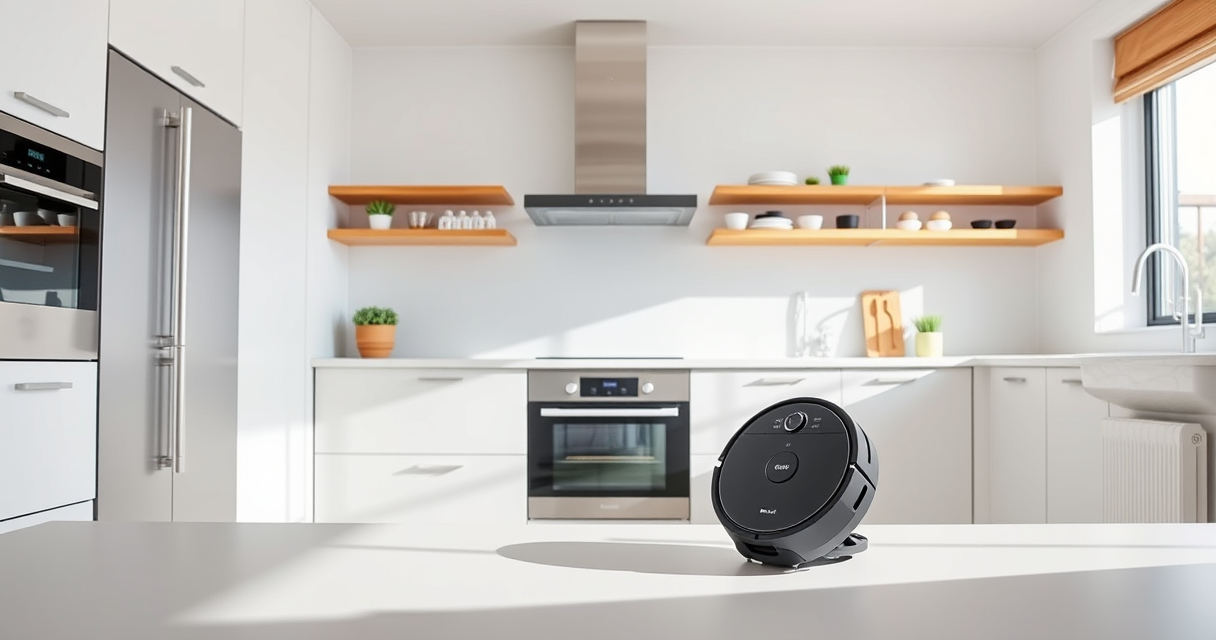

If your Roborock Q10 S5+ isn’t mopping properly, it can be frustrating, especially if you’re relying on it for regular floor cleaning. Several issues can cause the mopping feature to malfunction or stop working altogether, from simple setup errors to hardware problems.

Get home appliances delivered free with Prime
- Fast, free delivery on millions of items
- Prime Video, Amazon Music and more included
- Member-only deals all year
This guide provides clear, practical steps to diagnose and fix common mopping issues, ensuring your robot performs optimally. Follow these instructions carefully, and you’ll restore your device’s mopping capability safely and efficiently.
Key Takeaways
| Check water tank and mop pad | Ensure the water tank is filled and the mop pad is correctly installed. |
| Clean sensors and brushes | Dirty sensors or brushes can interfere with mopping functions. |
| Update firmware | Keep your Roborock’s software current for optimal performance. |
| Reset and recalibrate | Resetting the device can resolve temporary glitches. |
| Inspect hardware components | Look for signs of wear or damage to the mop system. |
Step 1: Verify Water Tank and Mop Pad Installation
- Make sure the water tank is properly seated and filled with clean water. Check for any leaks or blockages in the water outlet.
- Confirm the mop pad is correctly attached to the bottom of the robot. It should be flat, snug, and properly aligned with the cleaning plate.
- Use a fresh, clean mop pad if the current one is dirty or worn out, as this can affect mopping performance.
Step 2: Clean Sensors and Brushes
- Wipe the optical sensors and cliff sensors with a soft, dry cloth to remove dust and dirt that might impair navigation.
- Inspect the main brush and side brush for hair tangles or debris. Clean them thoroughly with the included tools or a small brush.
- Ensure the dual anti-tangle system is free of obstructions to allow smooth movement and effective mopping.
Step 3: Check and Replace Mop-Related Components
If your robot is still not mopping, examine the microfiber mop cloth for wear or dirt. Replace or wash it regularly to maintain absorption and cleaning efficiency.
Consider upgrading to a high-quality reusable mop pad, such as the VIEWALL 6 Pack Reusable Mop Pads, designed specifically for the Roborock Q10 S5+ and similar models.
Step 4: Update Firmware and Reboot
- Open the Roborock app and check for firmware updates. Keeping your device updated ensures compatibility and fixes known bugs.
- Perform a reboot by turning the robot off, waiting a few seconds, then turning it back on. This can resolve minor software glitches affecting mopping.
Step 5: Reset and Recalibrate the Device
If issues persist, perform a factory reset following the manufacturer’s instructions. Recalibrate the device if prompted, ensuring proper operation of the mopping system.
Always back up your settings before resetting to avoid losing personalized configurations.
Additional Tips and Warnings
- Use only recommended cleaning solutions to prevent damage to the water tank or mop pad.
- Avoid overfilling the water tank, as excess water can leak and impair the mopping function.
- Regularly inspect the mop pad and water tank for signs of wear or damage, replacing components as needed.
- Be cautious when cleaning sensors; avoid harsh chemicals that could cause sensor malfunction.
The Products in This Guide

roborock Q10 S5+ Robot Vacuum and Mop
- ✔ Model: Q10 S5+
- ✔ Color: Black
- ✔ Self-Emptying: Yes

4 Pack Washable Filter
- ✔ Pack: 4 filters
- ✔ Material: HEPA fiber
- ✔ Compatible Models: Q5 Pro, Q7 Max, Q8 Max+
roborock Q10 S5+ Robot Vacuum and Mop
The Roborock Q10 S5+ offers powerful suction and advanced mopping features, making it a top choice for pet owners and busy households seeking reliable cleaning. Its self-emptying station and sonic mopping system ensure minimal maintenance and effective cleaning.
Pros:
- Powerful 10,000 Pa suction
- Self-emptying station for 70 days
- Obstacle avoidance technology
- Upgraded dual anti-tangle system
Cons:
- Can be pricey
- Requires regular filter cleaning
- Mop pads need frequent replacement
Best for: Users seeking a comprehensive robot vacuum with advanced mopping
Not ideal for: Homes with very delicate or uneven flooring that may require manual cleaning
Bottom line: Reliable, high-performance robot vacuum with effective mopping features.
4 Pack Washable Filter
This 4-pack of washable HEPA filters is compatible with several Roborock models, including the Q10 S5+. Easy to install and clean, these filters help maintain optimal suction and air quality.
Pros:
- Effective HEPA filtration
- Washable and reusable
- Easy to install
- Maintains suction power
Cons:
- Requires regular cleaning
- Not OEM, but high quality
- Replacement needed every few months
Best for: Users wanting to maintain peak vacuum performance
Not ideal for: Those preferring OEM parts or requiring specific brand filters
Bottom line: A cost-effective way to keep your vacuum running at its best.
Frequently Asked Questions
Why isn’t my Roborock Q10 S5+ mopping properly?
Common causes include a improperly installed mop pad, empty or clogged water tank, dirty sensors, or outdated firmware. Follow the troubleshooting steps above to identify and fix the issue.
How often should I replace the mop pad?
For optimal cleaning, replace or wash the microfiber mop pad every 1 to 3 months, depending on usage and dirt levels.
Can I use any cleaning solution in the water tank?
Only use recommended, mild cleaning solutions. Avoid harsh chemicals, which can damage the water tank or mop system.
My vacuum is stuck or not moving correctly during mopping, what should I do?
Check for obstructions or tangled brushes. Clean sensors and wheels, and ensure the device is on a flat, unobstructed surface.
How do I update the firmware?
Open the Roborock app, connect your device, and check for firmware updates under device settings. Install any available updates to improve performance.
Keep Your Roborock Running Smoothly
Maintaining your Roborock Q10 S5+ for effective mopping involves regular cleaning, updates, and component checks. By following these troubleshooting steps, you can resolve most issues and enjoy hands-free cleaning with confidence. Periodic maintenance ensures your device continues to deliver superior performance and keeps your floors spotless.
Affiliate disclosure: As an Amazon Associate we earn from qualifying purchases. Prices and availability are accurate as of the time of publishing.
Evergreen bestsellers Picks

Roborock Qrevo 2 Pro Robot Vacuum and Mop with 20,000 Pa Suction

De'Longhi Rivelia Automatic Espresso Machine with Milk Frother
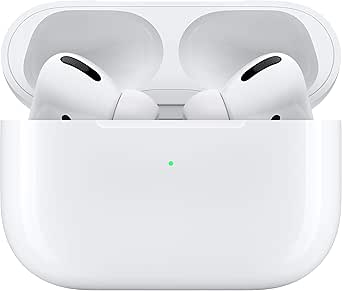
Apple AirPods Pro Wireless Earbuds
As an affiliate, we earn on qualifying purchases.