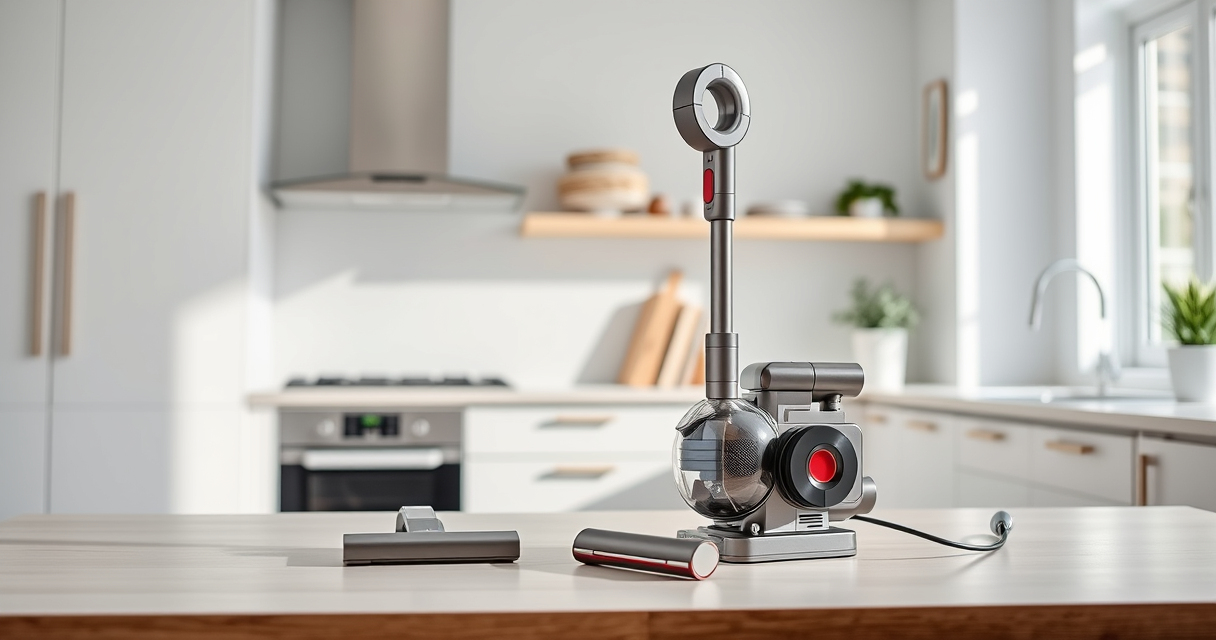
If your Dyson V15 Detect™ Origin Cordless Vacuum is losing suction or not picking up debris effectively, it can be frustrating. Often, the issue is related to blockages, dirty filters, or worn parts. This guide will walk you through practical, safe steps to diagnose and fix suction problems, helping your vacuum perform like new.

Get home appliances delivered free with Prime
- Fast, free delivery on millions of items
- Prime Video, Amazon Music and more included
- Member-only deals all year
Before starting, ensure your vacuum is turned off and unplugged from the charger. Regular maintenance, including cleaning filters and checking for blockages, can extend your vacuum’s lifespan and ensure optimal performance.
Key Takeaways
| Check for blockages | Clear obstructions in the wand, cleaner head, and hose. |
| Clean or replace filters | Dirty filters reduce suction; replace or wash as recommended. |
| Inspect the brush bar | A tangled or worn brush can hinder cleaning efficiency. |
| Ensure proper seal | Verify that all parts fit tightly to maintain suction. |
Step 1: Power Off and Unplug
Always turn off and unplug your Dyson vacuum before inspecting or cleaning. This ensures safety and prevents accidental activation during maintenance.
Step 2: Check for Blockages
- Remove the wand and cleaner head from the main body.
- Inspect the wand, hose, and cleaner head for visible debris or blockages.
- Use a long, flexible tool or the crevice tool to dislodge any obstructions.
Step 3: Clean or Replace Filters
Dirty filters significantly reduce suction. Remove the pre-filters and filters from your vacuum.
Rinse washable filters under water, wring out excess water, and let them air dry completely before reinstalling. For non-washable filters, replace them with compatible filters like the 3Pack Pre Filters or V10 Filters as needed.
Step 4: Check the Brush Bar
Remove the brush bar from the cleaner head if possible. Clear tangled hair, string, or debris. Worn or damaged brush bars may need replacement for optimal cleaning.
Step 5: Ensure Proper Assembly and Seal
Reassemble all parts firmly, ensuring each component clicks into place. Check all seals and gaskets for damage or misalignment to maintain suction.
The Products in This Guide

Dyson V15 Detect™ Origin Cordless Vacuum
- ✔ Run Time: 60 minutes
- ✔ Weight: Approx. 6.8 lbs
- ✔ Filter Type: HEPA and washable

LANMU Crevice Tool Vacuum Attachments Compatible
- ✔ Compatibility: Multiple Dyson models
- ✔ Material: Plastic
- ✔ Length: 16 inches
Dyson V15 Detect™ Origin Cordless Vacuum
The Dyson V15 Detect™ Origin Cordless Vacuum is powerful, intelligent, and designed for thorough cleaning. Regular maintenance, including filter cleaning and blockage checks, can resolve most suction issues.
Pros:
- Powerful suction with intelligent debris detection
- Long-lasting battery with 60-minute runtime
- Multiple cleaning heads for various surfaces
- LCD screen for real-time monitoring
Cons:
- Can be heavy for prolonged use
- Requires regular filter cleaning to maintain performance
- Filter replacements add ongoing cost
Best for: Deep home cleaning and pet hair removal
Not ideal for: Light-duty spot cleaning or minimal use
Bottom line: A versatile, high-powered cordless vacuum suitable for comprehensive cleaning needs.
LANMU Crevice Tool Vacuum Attachments Compatible
The LANMU Crevice Tool Vacuum Attachments compatible with Dyson models helps you reach tight corners, edges, and narrow spaces to ensure no dust is missed.
Pros:
- Narrow, flexible nozzle
- Easy to attach and use
- Effective in tight spots
- Compatible with multiple Dyson models
Cons:
- Limited to crevice cleaning
- May need to be replaced over time
- Not for large debris
Best for: Cleaning corners, baseboards, and car interiors
Not ideal for: Large debris removal or carpet cleaning
Bottom line: A versatile attachment that enhances your Dyson’s reach and cleaning precision.
Frequently Asked Questions
Why is my Dyson vacuum losing suction?
Common causes include clogged filters, blockages in the wand or hose, or a worn brush bar. Regular maintenance can prevent this.
How often should I replace or clean the filters?
Washable filters should be rinsed every 1-3 months and allowed to dry completely. Non-washable filters should be replaced every 2-3 months for optimal performance.
What should I do if cleaning doesn’t restore suction?
Check for blockages, ensure all parts are assembled correctly, and replace filters if they are dirty or worn. If problems persist, contact Dyson support.
Can I use third-party filters or attachments?
It’s recommended to use original or compatible Dyson-approved filters and accessories to avoid damaging your vacuum and to maintain performance.
Keep Your Dyson V15 Detect Performing at Its Best
Regular maintenance is key to ensuring your Dyson cordless vacuum maintains strong suction and cleaning power. By following these troubleshooting steps—checking for blockages, cleaning or replacing filters, and inspecting the brush bar—you can often resolve common suction issues yourself.
If problems persist after these steps, consider replacing filters or contacting Dyson customer support for professional assistance. Proper upkeep will prolong your vacuum’s lifespan and keep your home spotless.
Affiliate disclosure: As an Amazon Associate we earn from qualifying purchases. Prices and availability are accurate as of the time of publishing.
Fall yard work Picks
leaf blowers
As an affiliate, we earn on qualifying purchases.