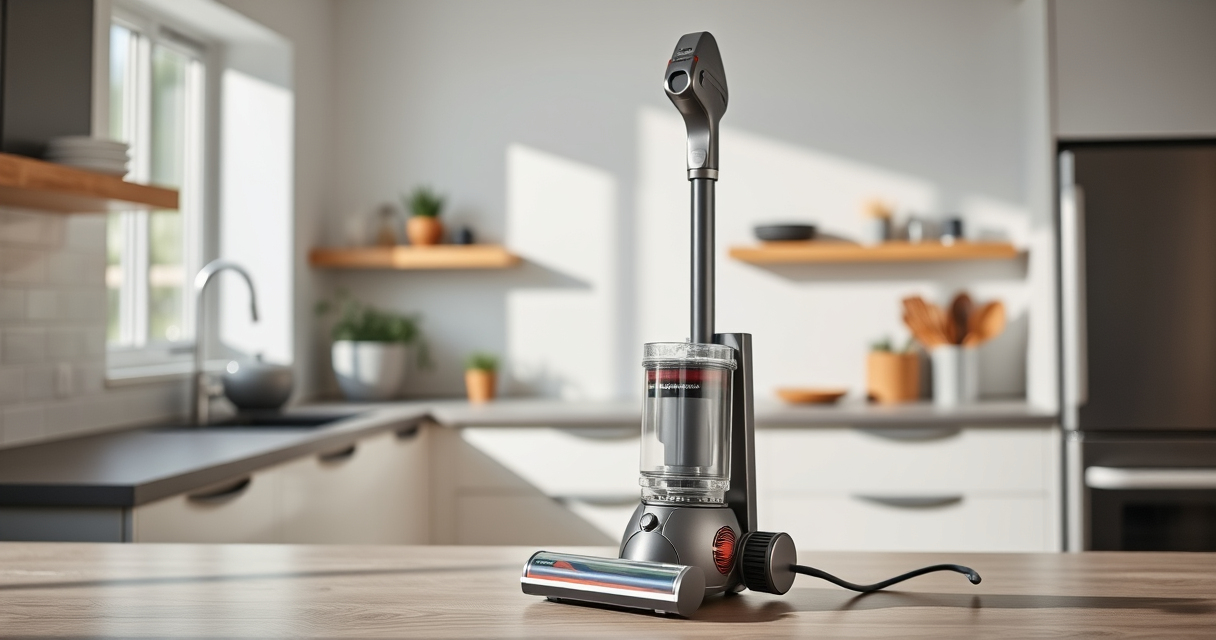
If your Dyson V15 Detect™ Origin Cordless Vacuum isn’t maintaining suction, it can be frustrating and hinder your cleaning. Often, the issue stems from clogs, dirty filters, or blockages. Fortunately, with some simple troubleshooting, you can restore your vacuum’s power and efficiency.

Get home appliances delivered free with Prime
- Fast, free delivery on millions of items
- Prime Video, Amazon Music and more included
- Member-only deals all year
This guide provides clear, step-by-step instructions to diagnose and fix common suction problems safely and effectively.
Key Takeaways
| Check for blockages | Clear clogs in the wand, brush head, and hose. |
| Clean or replace filters | Dirty filters reduce suction; clean or swap as needed. |
| Inspect the filter housing | Ensure filters are properly seated and not damaged. |
| Examine the brush heads and attachments | Remove hair and debris that may block airflow. |
| Verify the cyclone and bin area | Empty the bin and clean the cyclone to restore suction. |
Step 1: Power Off and Unplug
Before starting any troubleshooting, turn off your Dyson vacuum and remove it from the charging dock. For safety, ensure it is completely powered down and unplugged if applicable, especially when inspecting internal parts.
Step 2: Check for Blockages
- Detach the wand and brush head from the main body.
- Inspect the wand, hose, and brush head for visible debris or obstructions.
- Remove any hair, dust, or debris that might be clogging the airflow pathway.
- Reassemble and test the vacuum to see if suction improves.
Step 3: Clean or Replace Filters
Dirty filters can significantly decrease suction. Remove the pre-filter and any post-filters from the vacuum. Rinse them with water until clean, then let them air dry completely (at least 24 hours) before reinstalling. If filters are damaged or excessively worn, replace them with compatible new filters.
Step 4: Inspect the Cyclone and Bin
Empty the dustbin and check the cyclone for dust buildup or obstructions. Use a soft brush or cloth to clean the cyclone assembly. This ensures unimpeded airflow and restores suction power.
Step 5: Test and Final Checks
After cleaning filters, clearing blockages, and emptying the bin, reassemble the vacuum. Turn it on and test on different surfaces. If suction remains weak, repeat the steps or consider replacing filters or parts as necessary.
The Products in This Guide

Dyson V15 Detect™ Origin Cordless Vacuum
- ✔ Weight: Approx. 6.8 lbs
- ✔ Charge Time: 3.5 hours
- ✔ Dustbin Capacity: 0.2 gallons

LANMU Crevice Tool Vacuum Attachments Compatible
- ✔ Material: Plastic
- ✔ Compatibility: Most Dyson V-series
- ✔ Weight: Lightweight
Dyson V15 Detect™ Origin Cordless Vacuum
The Dyson V15 Detect™ Origin Cordless Vacuum offers powerful, intelligent cleaning with features like invisible dust detection and a LCD screen. It’s designed to adapt power based on debris, making it ideal for maintaining strong suction when properly maintained.
Pros:
- Powerful suction with intelligent debris detection
- Long-lasting 60-minute runtime
- Versatile with multiple attachments
- High-efficiency filters included
Cons:
- Can be heavy for some users
- Requires regular filter cleaning
- Filters may need replacement over time
Best for: Deep cleaning homes with mixed floor types and pet hair
Not ideal for: Light or occasional cleaning, or users seeking a lighter model
Bottom line: A highly effective cordless vacuum with smart features, best maintained with regular filter and blockage checks.
LANMU Crevice Tool Vacuum Attachments Compatible
The LANMU Crevice Tool Vacuum Attachments are compatible with Dyson models including the V15. Its slim, flexible design makes it easy to access tight spaces like corners, edges, and car interiors, ensuring thorough cleaning.
Pros:
- Narrow nozzle for tight spaces
- Compatible with many Dyson models
- Easy to attach and use
- Ideal for detailed cleaning
Cons:
- May not fit older Dyson models
- Requires careful handling to avoid damage
- Limited to crevice cleaning
Best for: Cleaning corners, edges, car interiors, and small gaps
Not ideal for: Cleaning large areas or floors
Bottom line: A versatile tool that makes reaching tight spots simple and effective.
Frequently Asked Questions
Why does my Dyson vacuum lose suction quickly?
Common causes include clogged filters, blockages in the wand or hose, full dustbin, or dirty cyclone assembly. Regular maintenance helps prevent this.
How often should I clean or replace filters?
Filters should be cleaned every 1-3 months depending on usage, and replaced if damaged or excessively worn. Check the filter’s condition regularly.
Can I fix suction problems myself?
Yes, most issues like blockages and dirty filters can be fixed by following basic troubleshooting steps safely at home.
Is it safe to rinse the filters?
Yes, filters can be rinsed with water, but ensure they are completely dry before reinstalling to prevent damage or mold growth.
Keep Your Dyson Performing Like New
Regular maintenance, including cleaning filters and checking for blockages, is key to maintaining optimal suction. Following these steps will help you troubleshoot common issues and keep your Dyson V15 Detect™ Origin vacuum working efficiently for years to come.
Affiliate disclosure: As an Amazon Associate we earn from qualifying purchases. Prices and availability are accurate as of the time of publishing.
NFL season / tailgating Picks
team gear
As an affiliate, we earn on qualifying purchases.